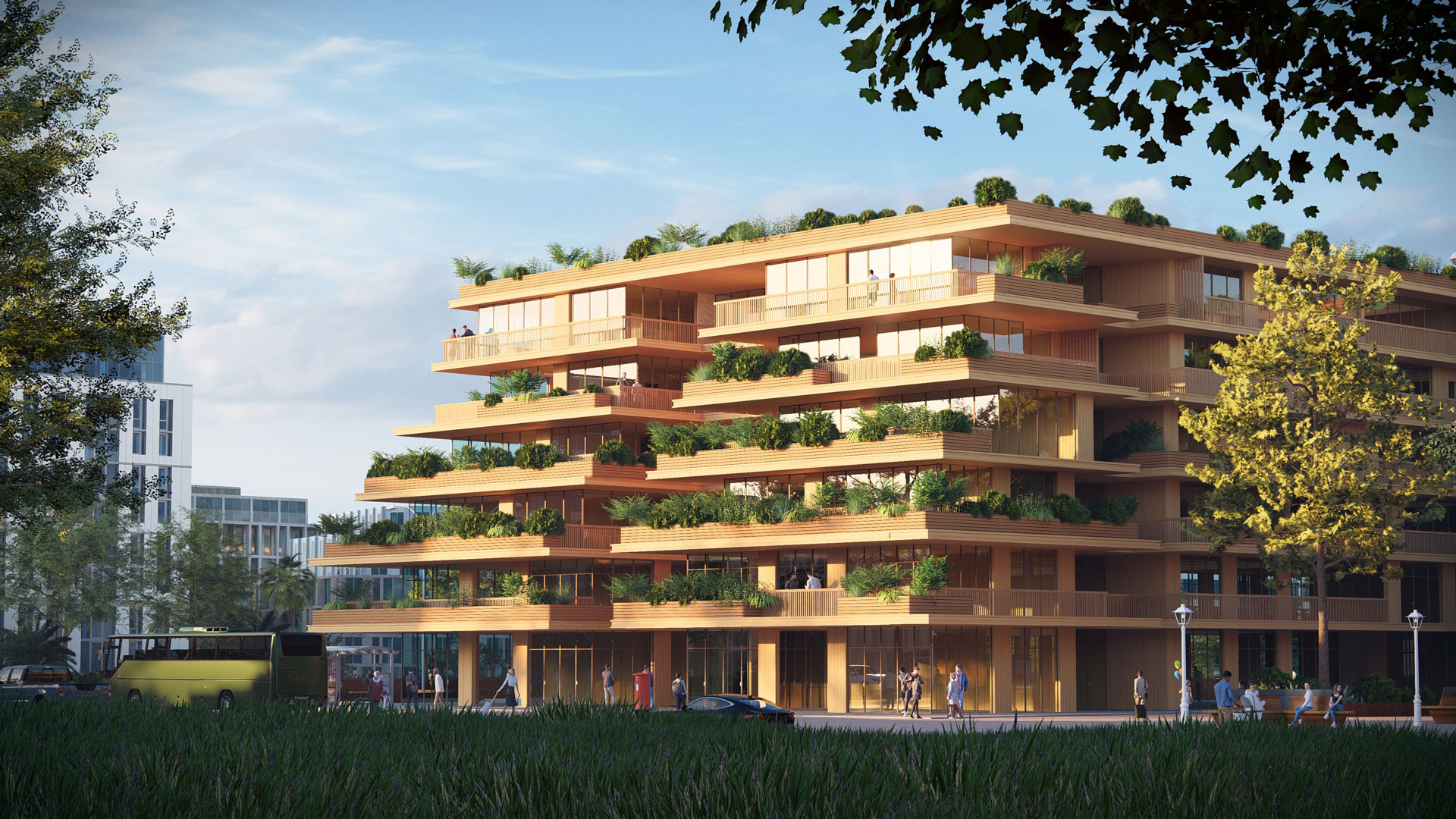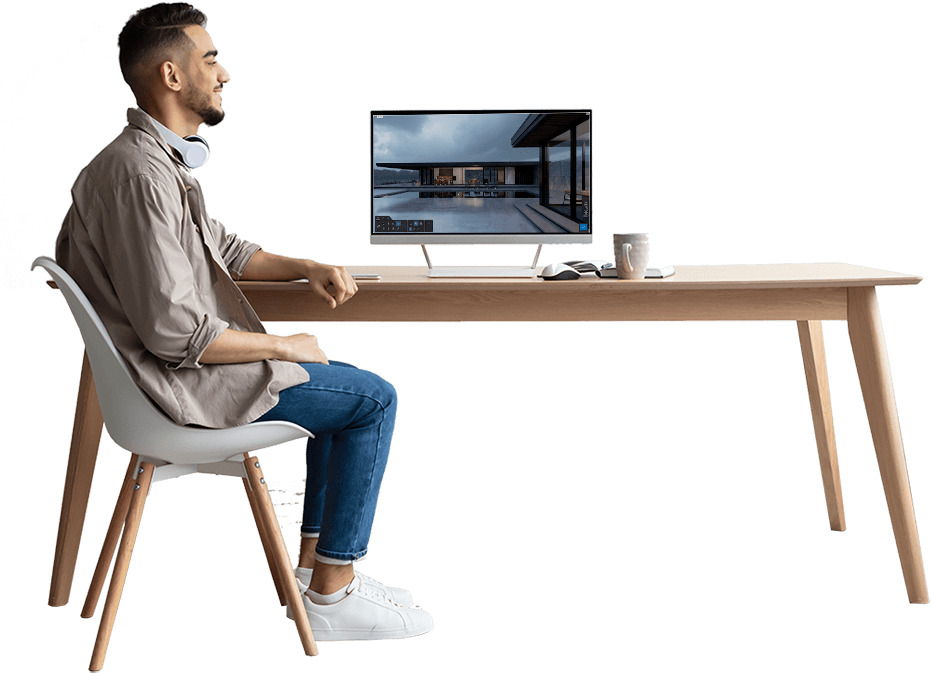

From model to sign-off. Faster.
Design doesn’t stop at modeling. It needs to be understood.
Lumion transforms your CAD and BIM models into clear, compelling visuals that help teams align, clients decide, and projects move forward with confidence.
Lumion brings your ideas to life in real time, allowing you to test, refine, and present your designs without slowing down your workflow. Whether you’re working in Revit, SketchUp, Rhino, or AutoCAD, Lumion keeps your model and visualization perfectly in sync.
With instant feedback, high-quality outputs, and seamless collaboration tools, you can move from early concept to client-ready visuals without friction between:
- Architects (Residential, Commercial, Landscaping)
- Interior Designers · Land Planners
- Zoning Planners
- And many more!
Core Pillars
Design at speed
Validate ideas earlier with real-time rendering directly inside your modeling environment. Iterate quickly without exporting or breaking your flow.
Visualize with clarity
Create high-quality renders, animations, and panoramas with full control over lighting, materials, and context.
Collaborate with confidence
Share visuals through Lumion Cloud, gather feedback in one place, and accelerate approvals without back-and-forth emails.
Finish projects faster. With fewer steps.
Lumion Pro 2026.0 is designed to reduce friction and help teams deliver polished visuals under tight deadlines.
Lumion is an architectural rendering software that transforms CAD designs into stunning, tangible experiences and feelings. Designed for architects, designers, and engineers, Lumion simplifies the process of creating breathtaking visualizations, allowing users to convert their models into remarkably realistic renders within seconds. Whether you model in Revit, SketchUp, Rhino, AutoCAD, ArchiCAD, or many other platforms, Lumion seamlessly integrates and brings your designs to life with realistic trees, fashionable effects, and an extensive library of objects and materials. With no prior training needed, you can master the art of creating high-quality images, videos, and 360 panoramas in just 15 minutes.
Key updates include:
- Area Placement Tool
Populate large landscapes with up to 5,000 assets in one click - New Nature Assets
100+ new photorealistic trees and plants for richer environments - Fill-in Clipping Planes
Create clean, presentation-ready sections directly in Lumion - New Templates & Example Scenes
Start faster with ready-to-use project environments - AI Upscaler (up to 16K)
Produce print-ready visuals instantly - Expanded Panorama Capacity
Up to 300 views per project for immersive presentations
All updates are focused on one thing: getting projects from “almost done” to “done” faster—without compromising quality.
Key Features
Deliver the right format for every stage
- High-resolution still images
- Animations and walkthroughs
- 360° panoramas
- Cloud-based sharing and review
Present clearly, get feedback faster, and move to approval with confidence.
Everything you need to create, refine, and present
- Real-time ray tracing for accurate lighting and reflections
- 10,000+ assets including nature, people, and objects
- Photorealistic materials with full control over texture and detail
- Atmospheric effects for time of day, weather, and mood
- High-resolution output for boards, presentations, and marketing
From early diagrams to final visuals, Lumion adapts to every stage of your project.
Embrace the Beauty of Nature Captivating Natural Visuals
- Realistic Interactions: Precisely depict how vegetation interacts with light.
- Harmonized Shadows and Reflections: Every shadow and reflection work together to showcase the true beauty of natural elements.
Fully Ray-Traced Glass Elevating Realism and Detail
- Enhance Fine Details and Patterns:
- Utilize ray tracing to bring out intricate details in glass.
- Create captivating patterns and replicate natural variations.
- Realistic Light Interaction:
- Observe how light interacts with glass surfaces.
- Experiment with tinted glass materials for stunning effects.
- Fine-Tune Glass Properties:
- Adjust surface thickness with the emulated thickness slider.
- Control light absorption with the absorption slider.
- Improve distortion effects with the enhanced index of refraction slider.
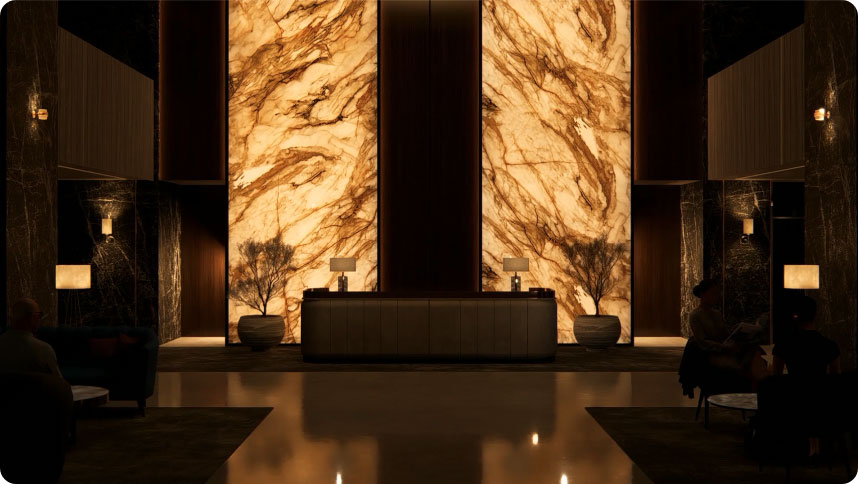
Going Beneath the Surface Enhanced Translucent Materials
- Subsurface Scattering: Enhance the appearance of translucent materials like marble, polycarbonate, and textiles.
- Ray Tracing Compatibility: Capture the nuanced interplay of light on these surfaces with stunning accuracy.
- Depth and Realism: Add a heightened sense of depth, dimension, and realism to your designs.
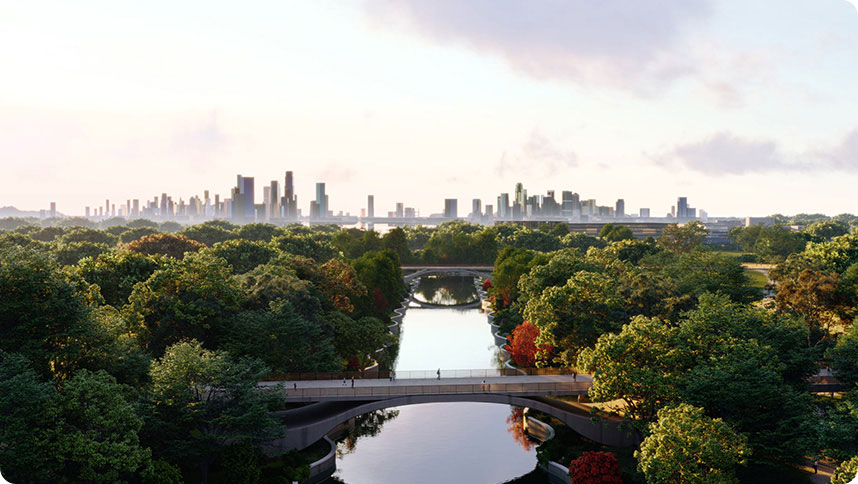
The Finest Details of Nature Vivid Natural Elements
- Fine-Detail Trees and Plants: Infuse instant vitality with 100 new fine-detail models.
- Diverse Range: Models represent various biomes and geographical regions.
- Multiple Variations: Illustrate passing time or changing seasons with different growth stages.
- Ray Tracing Compatibility: Showcase intricate details in breathtaking realism.
Parallax Interiors Quick and Complex Visuals
- Pre-Made Templates: Save time with 25 brand-new, pre-made parallax interiors.
- Themed Spaces: Choose from retail spaces, office environments, residential rooms, and hotel lobbies.
New Characters Contextualize Your Design
- Lifelike Characters: Incorporate 45 new static characters to show interaction and navigation.
- Diverse Selection: Includes people of different backgrounds in various positions and settings.
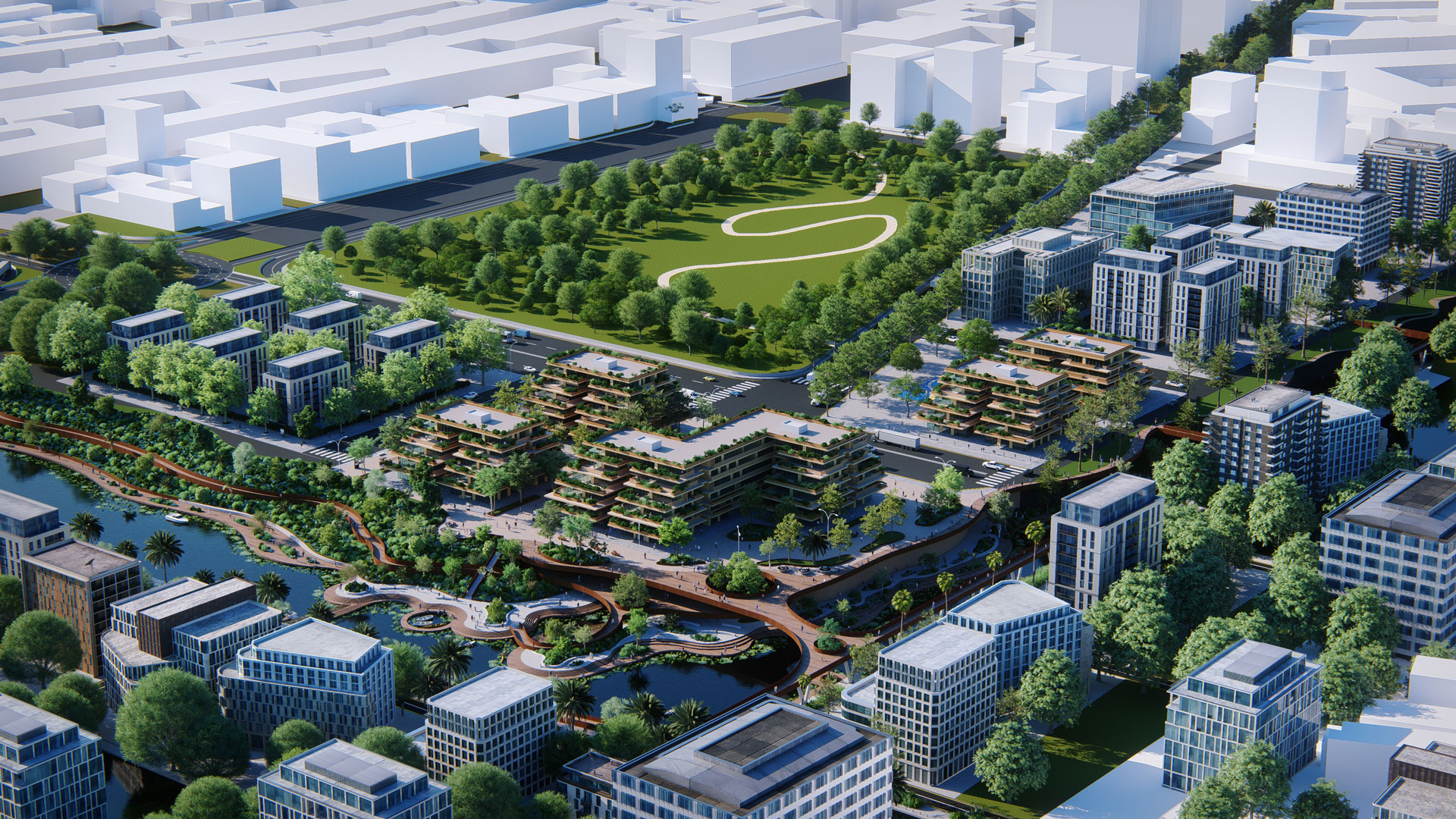
Smoother Landscapes Seamless Terrain Sculpting
- Landscape Tiling Toggle: Ideal for large-scale terrains, creating smooth, seamless surfaces.
- Enhanced Realism: Eliminate visible tile outlines for a more realistic landscape.
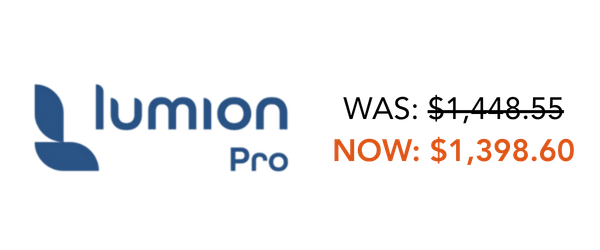
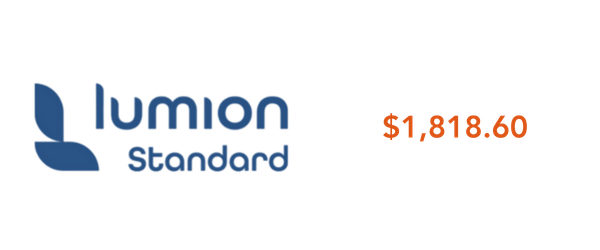
Pricing

Stay in your workflow
Lumion integrates directly with the tools you already use.
With LiveSync, your model updates in real time, eliminating repetitive exports and rework. This means faster iteration, fewer errors, and a more fluid design process.
SolidCAD and Lumion: Leading the Future of 3D Visualization
- Expert guidance
We help you integrate Lumion into your workflows for immediate impact. - Training & onboarding
Get your team up to speed quickly with practical, project-based training. - Workflow optimization
We align visualization with your design and delivery processes. - Ongoing support
From setup to scaling, our team is here to ensure long-term success.
Our goal is simple: help you produce better visuals, faster—and turn them into better project outcomes.