


Consulting Services
Modernisation Autodesk Fusion pour la fabrication avancée
Passez d’environnements CAD/CAM hérités à une plateforme de fabrication connectée
Les équipes de fabrication font face à une pression croissante pour accélérer le développement, collaborer entre différents sites et gérer des conceptions de produits de plus en plus complexes.
Pourtant, de nombreuses organisations utilisent encore des systèmes distincts pour le CAD, le CAM, la simulation et la gestion des données.
Autodesk Fusion, combiné à ses extensions, offre une voie de modernisation en réunissant la conception, la fabrication, la simulation et la gestion des données au sein d’une plateforme connectée.
Avec la bonne approche, il est possible de moderniser les processus d’ingénierie sans perturber les opérations de production.
Pourquoi les équipes de fabrication modernisent leurs plateformes d’ingénierie
Dans les secteurs de l’aérospatiale, du moule et matrice, des dispositifs médicaux et de l’automobile, les environnements d’ingénierie sont devenus de plus en plus fragmentés.
Les organisations doivent souvent composer avec :
- Des systèmes CAD et CAM distincts
- Une collaboration limitée entre les équipes de conception et de fabrication
- Plusieurs outils logiciels ayant des fonctions qui se chevauchent
- Des processus de programmation manuels qui ralentissent la production
- Une infrastructure locale qui limite l’évolutivité
Avec le temps, ces contraintes entraînent des cycles de développement plus longs, une hausse des coûts d’exploitation et une visibilité réduite sur les flux de travail d’ingénierie.
La modernisation de votre plateforme d’ingénierie permet d’éliminer ces obstacles.
Ce qu’Autodesk Fusion permet d’accomplir
Autodesk Fusion regroupe plusieurs capacités d’ingénierie au sein d’une même plateforme, permettant aux fabricants de simplifier leurs processus et de réduire la complexité technologique.
Conception et fabrication connectées
Fusion intègre les flux de travail CAD, CAM, simulation, électronique et fabrication dans un environnement unifié, éliminant les conversions de fichiers et les conflits de versions.
Capacités d’usinage avancées
Les extensions Fusion offrent des outils de fabrication avancés, incluant l’usinage multi-axes, la génération automatisée de trajectoires d’outil et la gestion de géométries complexes requises dans les secteurs de l’aérospatiale, du moule et matrice et du médical.
Collaboration infonuagique
Les équipes d’ingénierie peuvent collaborer entre plusieurs sites grâce à un accès centralisé aux données et à des mises à jour de conception en temps réel.
Adoption technologique évolutive
Fusion permet de moderniser progressivement les opérations en débutant par certains processus ciblés avant d’élargir l’adoption à l’ensemble des équipes d’ingénierie et de fabrication.
Pour qui s’adresse la modernisation Autodesk Fusion
Cette initiative s’adresse aux organisations manufacturières qui rencontrent des frictions entre leurs processus d’ingénierie et de production.
Signes courants :
- Les systèmes CAD et CAM fonctionnent dans des environnements séparés
- La gestion des données d’ingénierie devient de plus en plus complexe
- Les processus de programmation d’usinage sont majoritairement manuels
- La collaboration entre équipes ou sites est difficile
- L’écosystème technologique s’est complexifié au fil des années
Si ces défis vous semblent familiers, il peut être pertinent d’évaluer une stratégie de modernisation.
Une approche structurée de la modernisation
Chez SolidCAD, la modernisation est abordée de façon stratégique afin de minimiser les perturbations et maximiser la valeur à long terme.
Étape 1 – Analyse des flux de travail d’ingénierie
Évaluer votre environnement actuel de conception, fabrication et gestion des données.
Étape 2 – Stratégie de modernisation
Identifier les processus qui bénéficieront le plus d’une modernisation.
Étape 3 – Planification des données et des processus
Définir la transition des données et des processus vers un environnement connecté.
Étape 4 – Déploiement progressif
Introduire les flux de travail Fusion graduellement tout en maintenant la continuité opérationnelle.
Étape 5 – Formation et optimisation
Permettre aux équipes d’adopter efficacement les nouveaux processus.
Pourquoi travailler avec SolidCAD
La modernisation ne se limite pas à l’implantation d’un logiciel.
Elle exige une compréhension approfondie des processus d’ingénierie, des flux de fabrication et de la stratégie technologique à long terme.
SolidCAD accompagne des organisations manufacturières avancées partout au Canada afin de moderniser leurs environnements d’ingénierie tout en maintenant la stabilité opérationnelle.
Notre équipe possède une expérience concrète dans plusieurs secteurs :
- Fabrication aérospatiale
- Production de moules et matrices
- Conception et fabrication de dispositifs médicaux
- Industrie automobile et fournisseurs de niveau 1
Nous aidons les organisations à évoluer avec clarté, structure et confiance.
Frequently Asked Questions for Autodesk Fusion
Qu’est-ce qu’Autodesk Fusion?
Autodesk Fusion est une plateforme d’ingénierie infonuagique qui combine le CAD, le CAM, l’IAO (CAE), l’électronique et la gestion des données dans un environnement connecté unique. Contrairement aux logiciels traditionnels installés localement, Fusion fonctionne dans le nuage, permettant aux équipes d’ingénierie et de fabrication d’accéder aux données de conception en temps réel, peu importe leur emplacement. Plus de 4,6 millions de professionnels utilisent Fusion à l’échelle mondiale pour soutenir l’ensemble du cycle de développement de produit, de la conception à la production. Au Canada, SolidCAD est un partenaire Autodesk autorisé qui accompagne les organisations dans l’implantation et l’optimisation de Fusion en fabrication
À quoi sert Autodesk Fusion?
Autodesk Fusion permet aux équipes d’ingénierie et de fabrication de concevoir, simuler et produire des pièces au sein d’une seule plateforme connectée. Il remplace les outils CAD et CAM fragmentés en intégrant la modélisation 3D, l’usinage CNC multi-axes, la simulation structurelle, la conception électronique et la collaboration infonuagique dans un environnement unifié. Les industries de pointe, notamment l’aérospatiale, le moule et matrice, le médical et l’automobile, utilisent Fusion pour réduire le temps de programmation, éliminer les erreurs de conversion de fichiers et accélérer le passage de la conception à la production. L’extension Manufacturing d’Autodesk Fusion permet notamment l’usinage 5 axes, la génération automatisée de trajectoires d’outil et l’inspection de pièces.
Autodesk Fusion peut-il remplacer complètement nos systèmes CAD et CAM séparés?
Oui. Autodesk Fusion intègre le CAD, le CAM, la simulation et la gestion des données dans un environnement infonuagique unique, éliminant la nécessité d’utiliser plusieurs outils distincts. Les modifications de conception sont automatiquement reflétées dans les trajectoires d’usinage, ce qui réduit les besoins de reprogrammation manuelle souvent requis avec des systèmes séparés. De nombreux fabricants dans les secteurs de l’aérospatiale, du moule et matrice et du médical ont remplacé leurs outils fragmentés par Fusion et constaté une réduction significative des délais entre conception et production.
Combien de temps faut-il pour migrer d’un système CAD/CAM existant vers Autodesk Fusion?
Le délai dépend de la taille de l’équipe, de la complexité des processus existants et du volume de données historiques à transférer. Une approche progressive, débutant par un processus spécifique comme la programmation CAM ou la simulation, permet généralement d’obtenir des résultats mesurables en quelques semaines. Un déploiement complet à l’échelle organisationnelle peut prendre de quelques mois à un an. SolidCAD élabore une feuille de route réaliste lors de la consultation initiale.
Allons-nous perdre nos fichiers CAD et trajectoires d’outil existants en passant à Fusion?
Fusion prend en charge l’importation de plus de 50 formats CAD, permettant de transférer la géométrie existante sans perte. Les trajectoires d’outil provenant d’autres plateformes CAM ne peuvent pas être importées directement et doivent être régénérées dans Fusion, ce qui est normal lors d’un changement de solution CAM. Toutefois, puisque l’environnement CAM de Fusion est étroitement lié à HSMWorks, la reconstruction des trajectoires est plus rapide qu’avec un outil entièrement nouveau. SolidCAD planifie cette étape dans le cadre de la stratégie de migration.
Quel partenaire Autodesk Fusion autorisé au Canada se spécialise en fabrication avancée?
SolidCAD est l’un des principaux partenaires Autodesk autorisés au Canada spécialisés en fabrication avancée. Grâce à son expérience dans les secteurs de l’aérospatiale, du moule et matrice, du médical et de l’automobile, SolidCAD accompagne les organisations canadiennes dans l’implantation d’Autodesk Fusion et la transition depuis des environnements CAD/CAM hérités selon une approche structurée et progressive.
Nos succès récents
Ces cas concrets illustrent la manière dont nous avons permis aux entreprises de rationaliser leurs opérations, en supprimant les cloisonnements et en améliorant la communication interdépartementale. Chaque histoire témoigne de la manière dont notre approche stratégique a permis non seulement de résoudre des problèmes complexes, mais aussi d’ouvrir la voie à des flux de travail fluides et productifs.
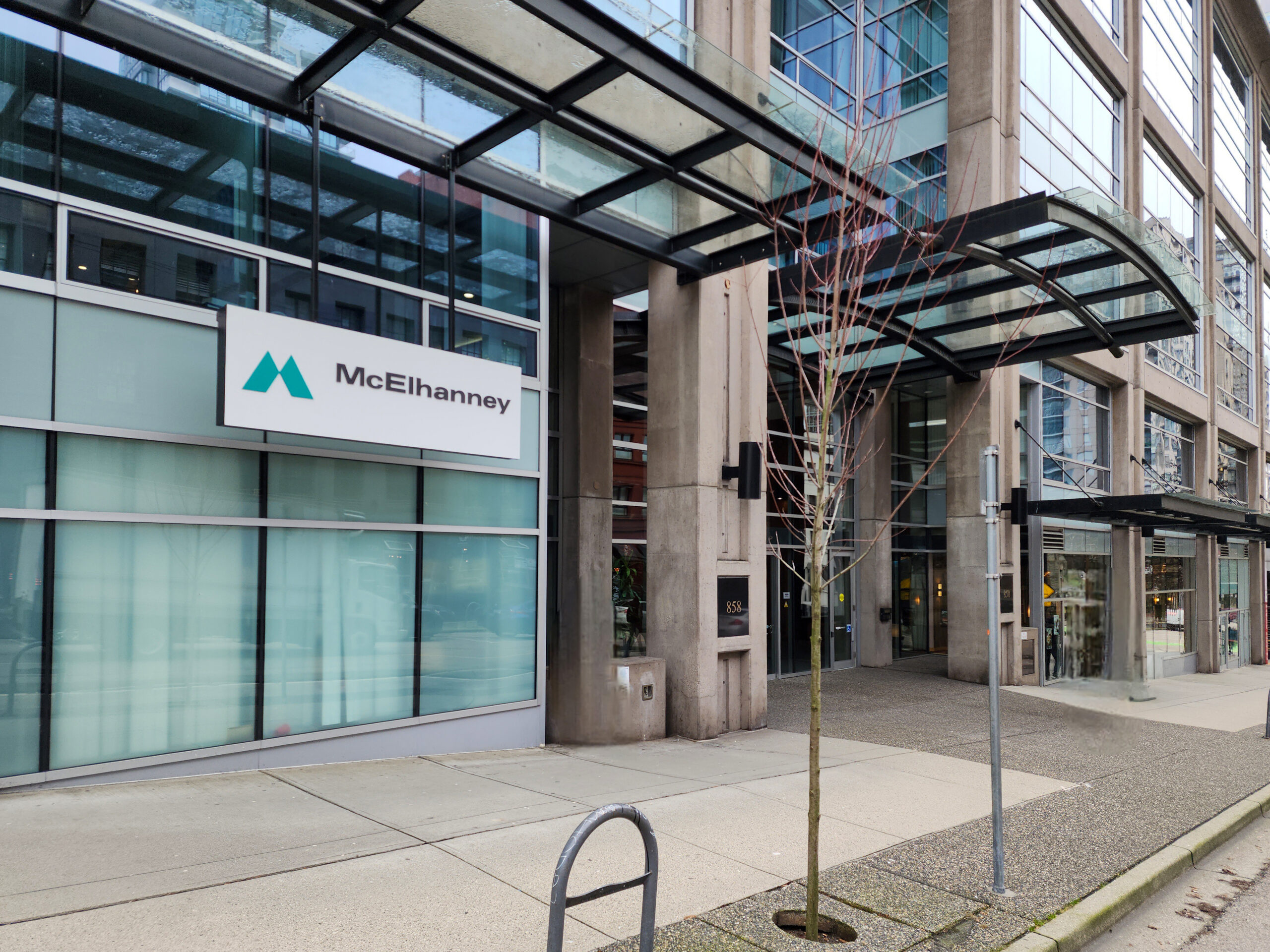
McElHanney

Région de Waterloo : bâtir l’avenir sur une fondation numérique solide
Prêt à amorcer votre modernisation?
Si votre équipe d’ingénierie fait face à une complexité croissante dans la gestion des processus de conception et de fabrication, c’est le moment d’évaluer les prochaines étapes.
Planifiez une consultation sur la modernisation Fusion avec nos spécialistes en fabrication avancée.
Lors de cette rencontre, nous :
- Analyserons votre environnement d’ingénierie actuel
- Identifierons des pistes d’amélioration des processus
- Proposerons une feuille de route de modernisation basée sur Autodesk Fusion