


Software & Technology
Chaos Glyph
Glyph for Revit: Documentation Automation for AEC Teams
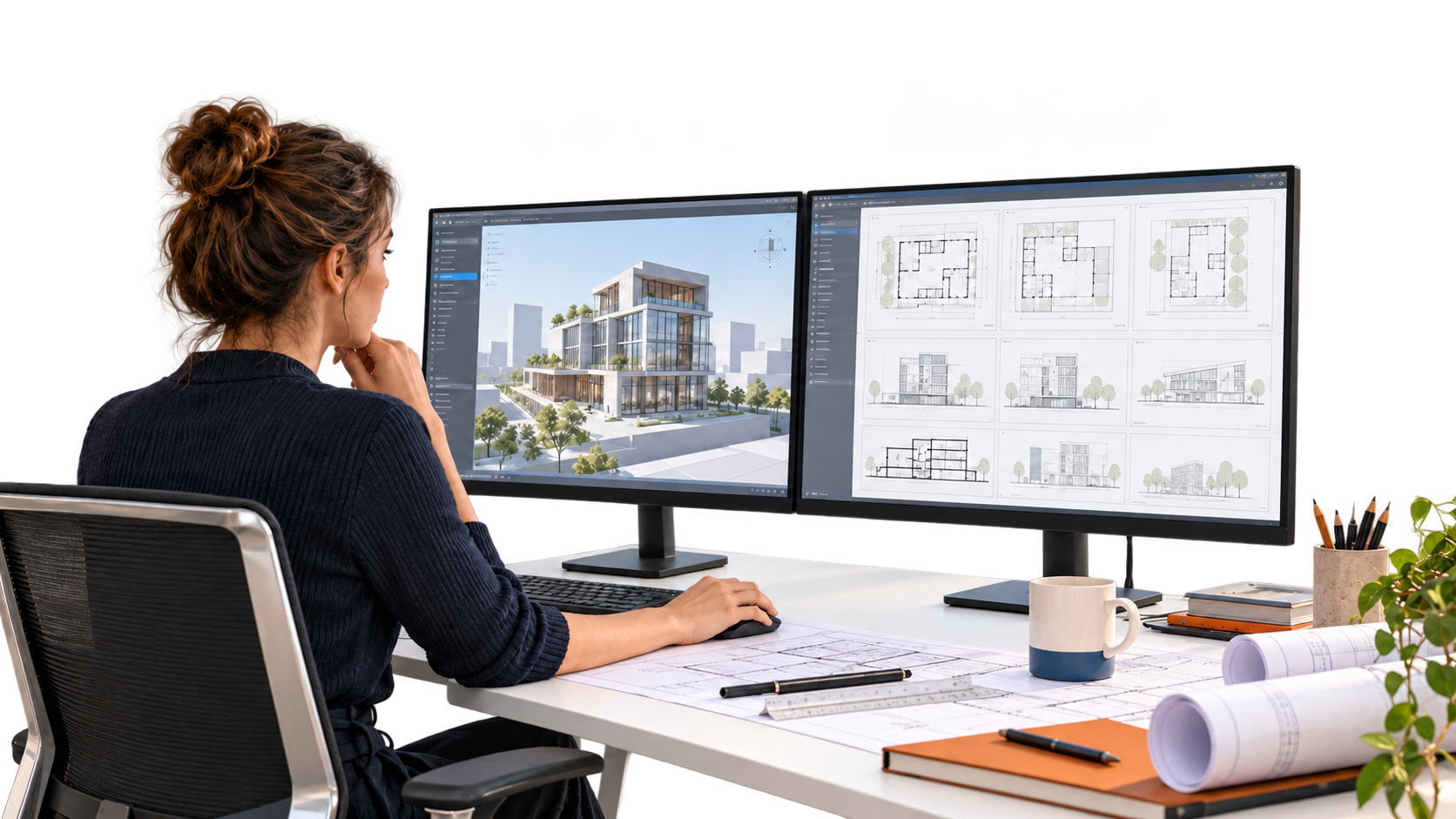
Glyph for Revit is a Chaos add-in that automates the most repetitive parts of Revit documentation. Generate views, sheets, dimensions, tags and annotations in a few clicks, following your firm’s standards, so your team spends less time on drafting and more time on design.
What Is Glyph?
Glyph is a Revit add-in by Chaos that automates documentation tasks such as view and sheet creation, tagging, dimensioning and sheet packing. It turns hours of manual, repetitive work into rules you can run again and again, across projects and disciplines.
Glyph was developed by EvolveLAB, which Chaos acquired in 2025, and is part of the Chaos AI tools for Revit alongside Veras and Helix.
Glyph Key Features
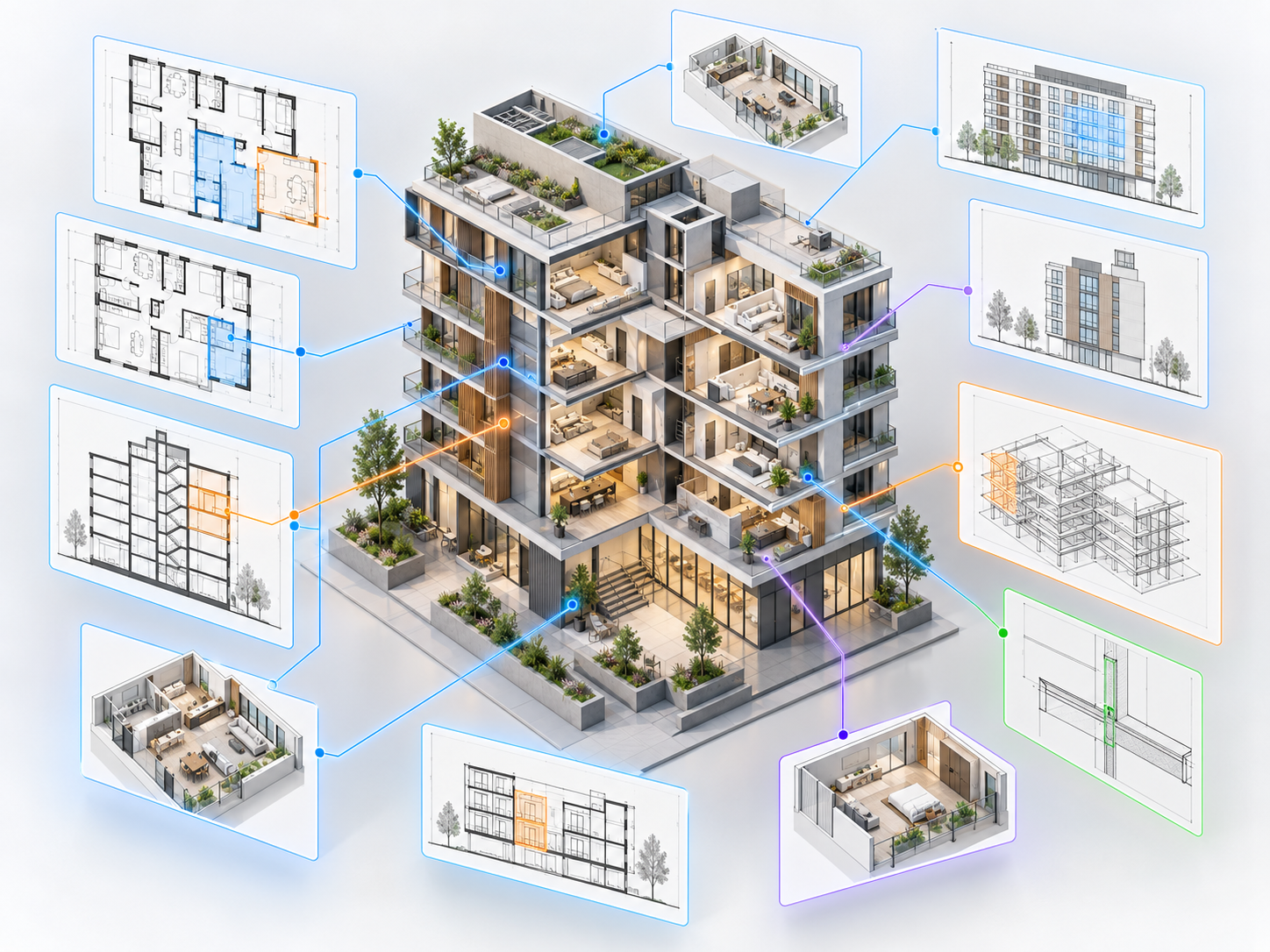
Automated view creation
Generate views by level, scope box, room or category instead of creating them one by one.
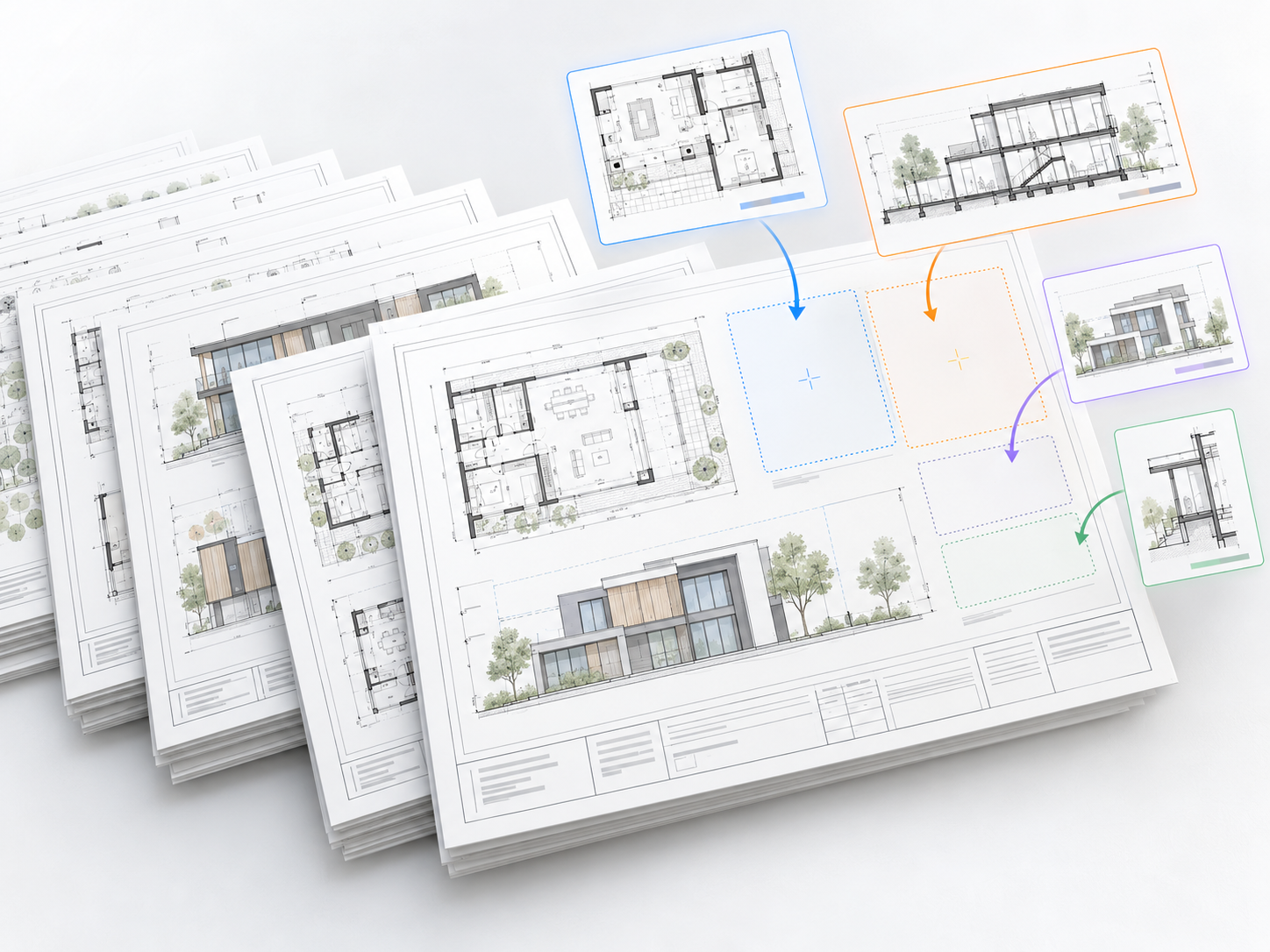
Automate sheets in Revit
Create sheets with custom numbering and naming schemes, and pack views onto sheets automatically.
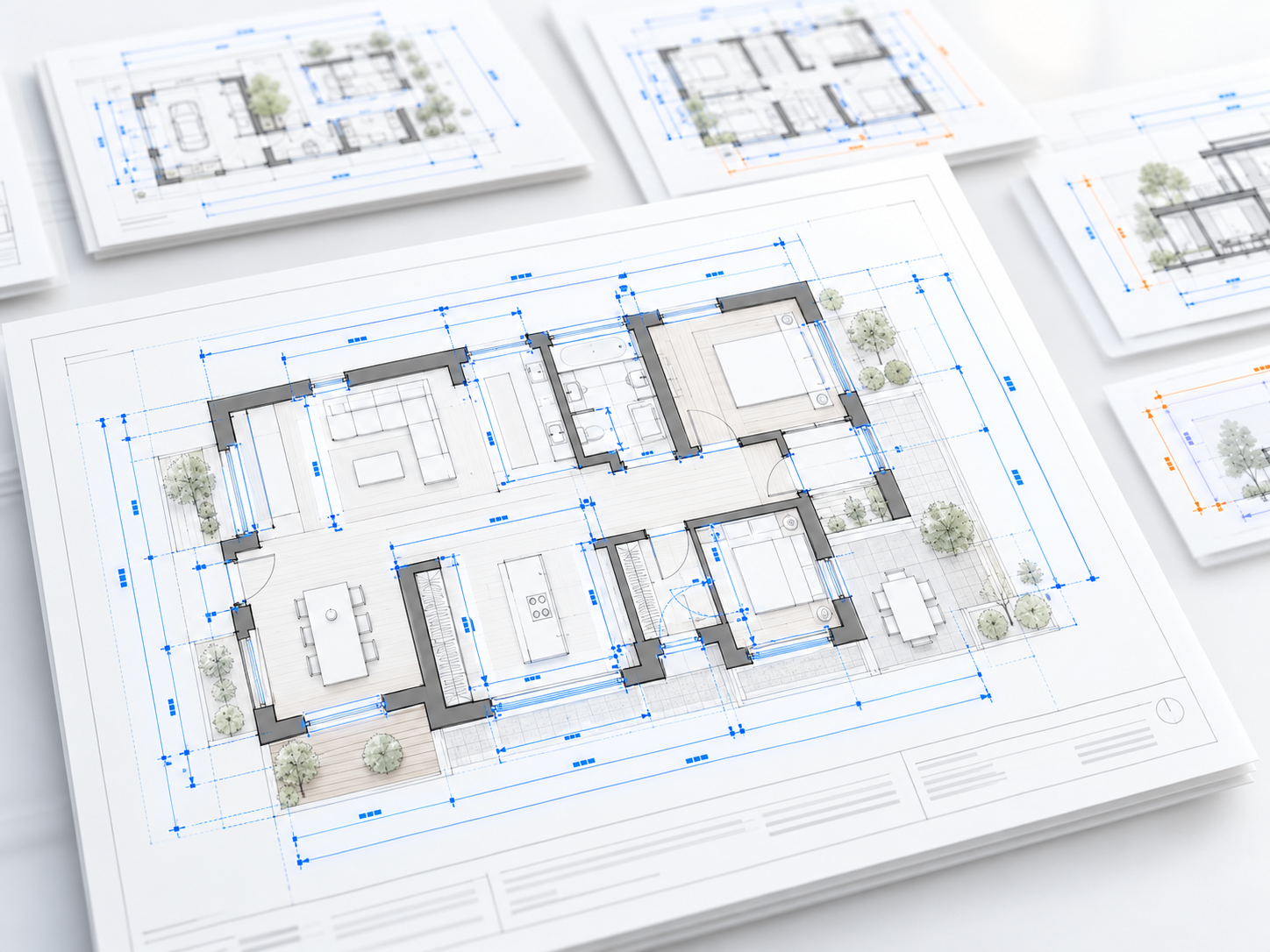
Revit auto dimension
Dimension multiple views by category with customizable dimension styles.
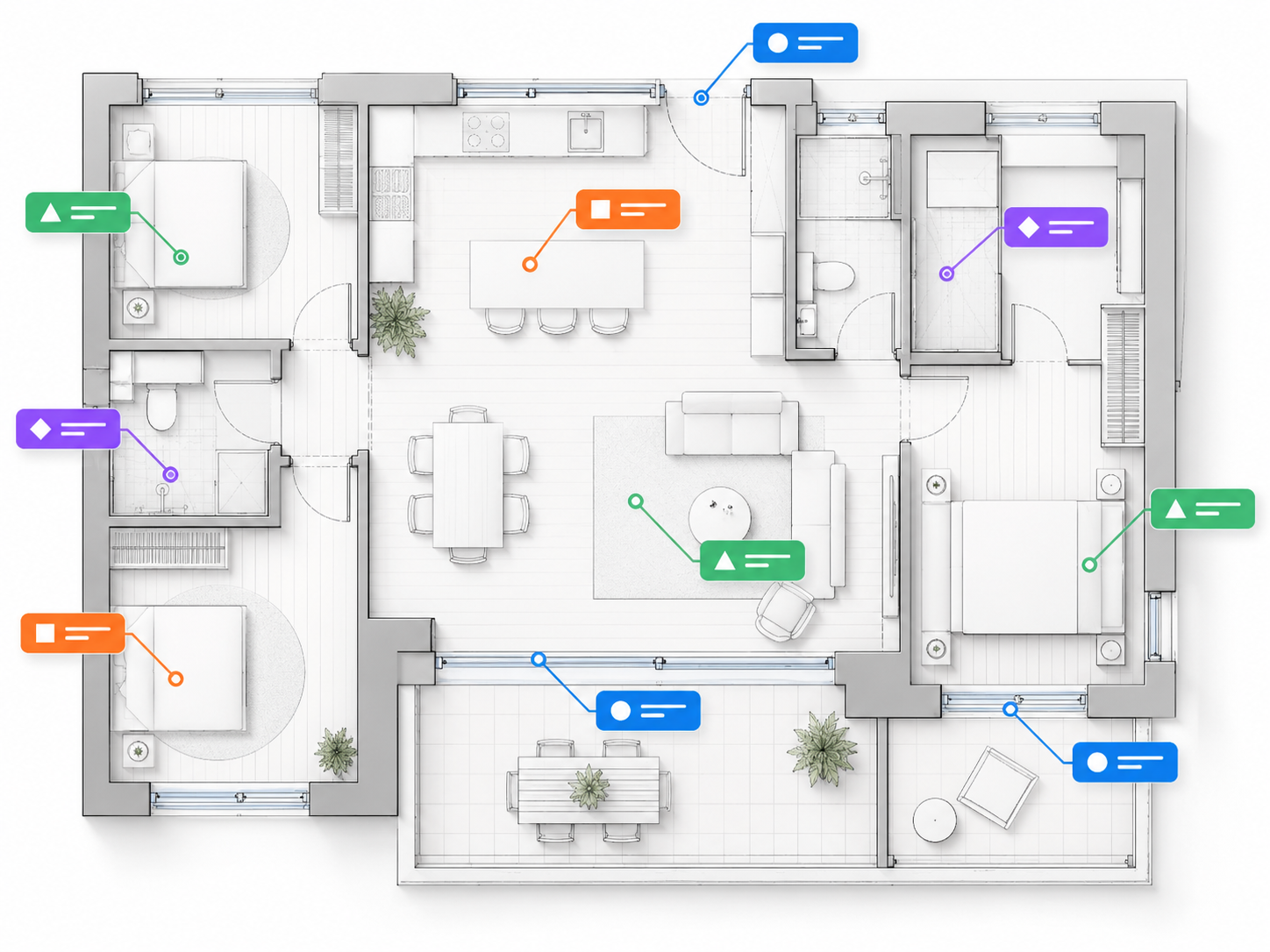
Revit auto tagging
Tag views and sheets with customizable orientation and leader conditions.
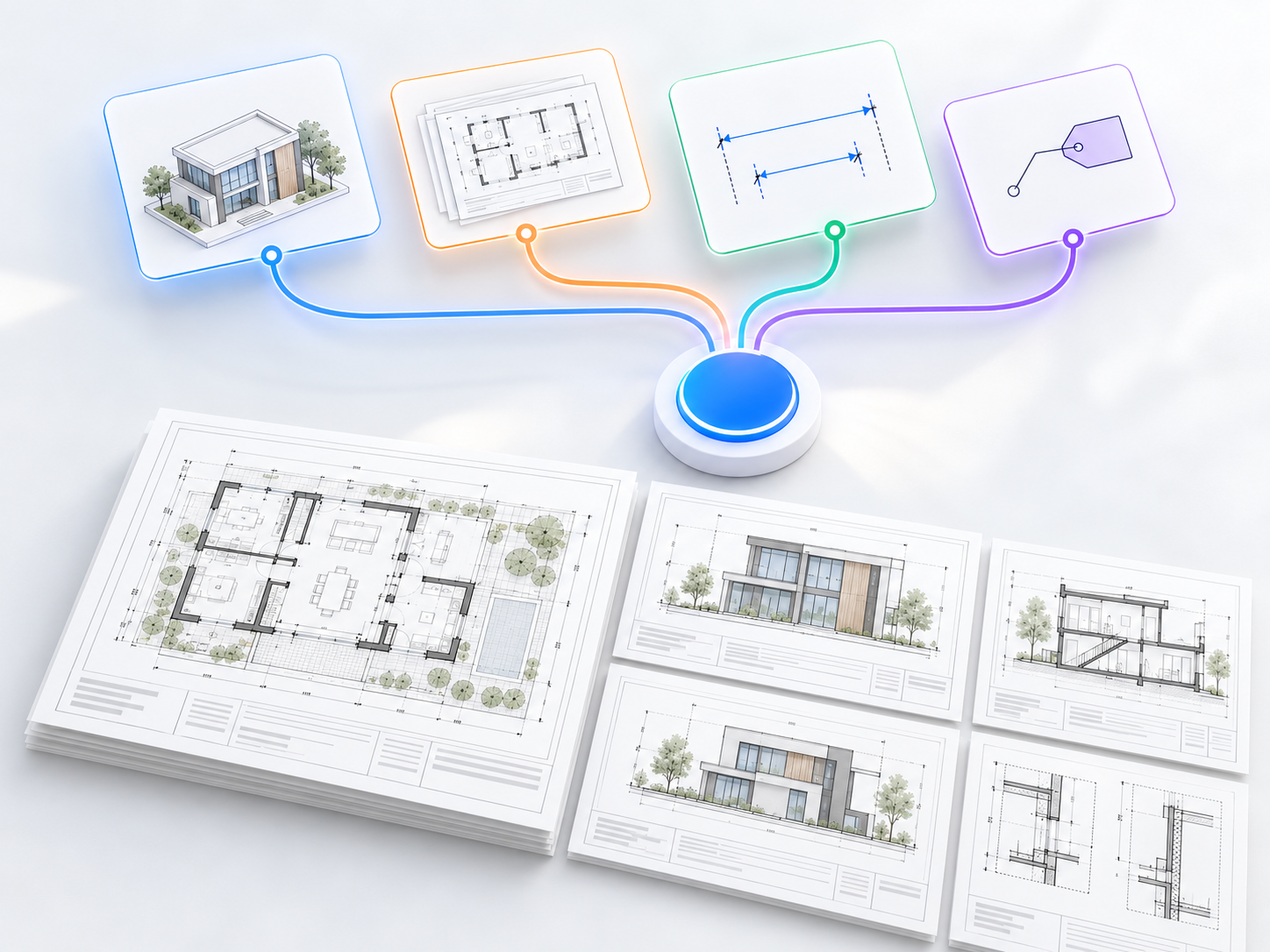
Task bundles
Combine multiple tasks into a single bundle and run them with one click.

Glyph AI Assistant
Use natural language commands to automate documentation tasks, for example creating views by scope box for a set of areas.
How Glyph Helps Across Your Documentation Workflow
Project setup: standards from day one
Save your firm’s view, sheet, tag and dimension rules once, then apply them to every new project.
Design development: keep sets up to date
Regenerate views, tags and dimensions as the model changes, instead of redrawing by hand.
Construction documents: faster issue sets
Build and pack sheets in minutes, with consistent numbering and naming across the set.
Multi-discipline teams: one approach
Architectural, structural and MEP teams use the same automated workflows for consistent output.
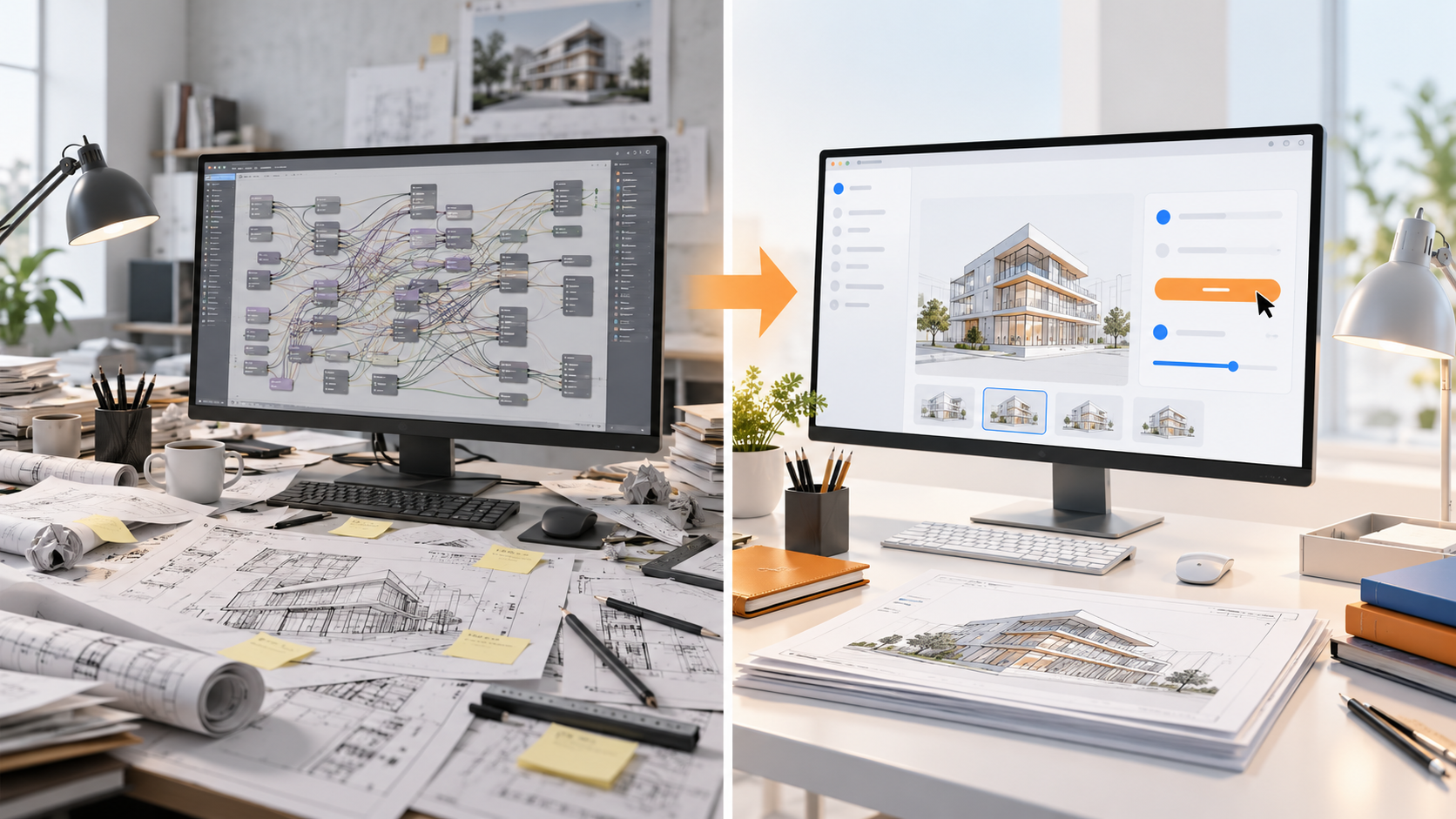
Glyph vs Manual Documentation and Dynamo Scripts
Manual Revit documentation is slow and inconsistent between team members. Dynamo can automate tasks but needs someone to build and maintain scripts. Glyph gives teams ready-made, point-and-click automation for the most common documentation tasks, with no scripting required, while keeping output consistent with your standards.
| Manual in Revit | Dynamo scripts | Chaos Glyph | |
|---|---|---|---|
| Setup effort | None | High, scripts must be built and maintained | Low, ready-made tasks |
| Skills needed | Revit | Revit + visual programming | Revit |
| Consistency | Depends on the user | Depends on the script | Rule-based, standards-driven |
| Speed on large sets | Slow | Fast once built | Fast, one-click bundles |
Who Is Glyph For?
- BIM managers who want consistent documentation standards across projects
- Architects and technologists producing large construction document sets
- Structural and MEP teams working in Revit
- Firms that want automation without maintaining Dynamo scripts
Glyph Pricing

Need 25+ seats or a bundle with Veras? Contact our team for volume pricing.
Why Buy Glyph from SolidCAD
- Local expertise, Canadian pricing: buy Glyph in CAD from a Canadian team that knows Revit and AEC workflows.
- Workflow integration, not just software: we help you fit Glyph into your Revit templates, standards and project workflows.
- Onboarding and training that sticks: practical training so your team uses Glyph on real projects from day one.
- Support that’s here after the sale: Canada-based help with licensing, installation and day-to-day questions.
- One partner for your whole Chaos and Autodesk stack: Revit, Veras, Enscape and V-Ray licensing and support in one place.
Need more than out-of-the-box automation? Our Customization & Automation team builds Revit tools around your workflows, and our BIM Optimization services help standardize templates and content.

Glyph FAQ
What is Chaos Glyph?
Glyph is a Revit plugin by Chaos that automates documentation tasks such as view and sheet creation, tagging, dimensioning and sheet packing. It helps AEC teams produce consistent, standards-driven documentation in a few clicks.
Which Revit tasks can Glyph automate?
Glyph automates view creation by level, scope box, room or category, sheet creation with custom numbering and naming, sheet packing, multi-view dimensioning and tagging. Tasks can be combined into bundles and run with one click.
What is the Glyph AI Assistant?
The Glyph AI Assistant lets you run documentation tasks with natural language commands, so you can describe what you need instead of setting up each task manually.
Can Glyph follow our firm's documentation standards?
Yes. Glyph tasks use customizable rules for views, sheets, tags and dimensions, so you can set them up to match your firm’s standards and reuse them across projects.
How is Glyph different from Dynamo?
Dynamo is a visual programming tool that can automate Revit tasks, but scripts must be built and maintained. Glyph provides ready-made, point-and-click automation for common documentation tasks with no scripting required.
Can Glyph auto dimension in Revit?
Yes. Glyph dimensions multiple Revit views at once by category, using customizable dimension styles, so you don’t have to place dimensions one by one.
How much does Glyph cost in Canada?
Glyph is available with named and floating annual licenses. SolidCAD offers Glyph in Canadian dollars. Contact our team for current pricing and volume options.
Can I try Glyph before buying?
Yes. Chaos offers a free trial of Glyph so your team can test it on your own Revit projects before buying.
Does SolidCAD provide Glyph training and support?
Yes. As a Chaos partner, SolidCAD provides Glyph licensing, onboarding, training and ongoing support for teams across Canada.