




What is Enscape?
Chaos Enscape is a real-time rendering and visualization plugin for architects, designers, and engineers. It integrates seamlessly with popular design software like Revit, SketchUp, Rhino, ArchiCAD, and Vectorworks. It’s a user-friendly and collaborative software that enhances the design workflow by providing powerful visualization tools that help designers create stunning, immersive presentations and make informed design decisions quickly.
Enscape 4 all – Supercharge your design workflow with the latest updates
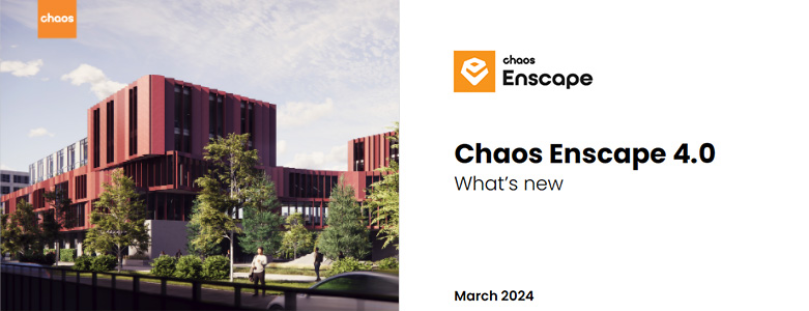
Enscape 4.0 is a multi-platform solution where macOS users can enjoy the ease and speed of a complete design and visualization workflow, just like their Windows counterparts. In addition to a unified experience across platforms, Enscape 4.0 includes:
- New people & animated vegetation assets
- NVIDIA Denoiser for capture exports
- New VR headset support
- Ray-traced artificial lights
- Plus, more!
Experience the speed and ease of real-time visualization with these updates.
See what’s new
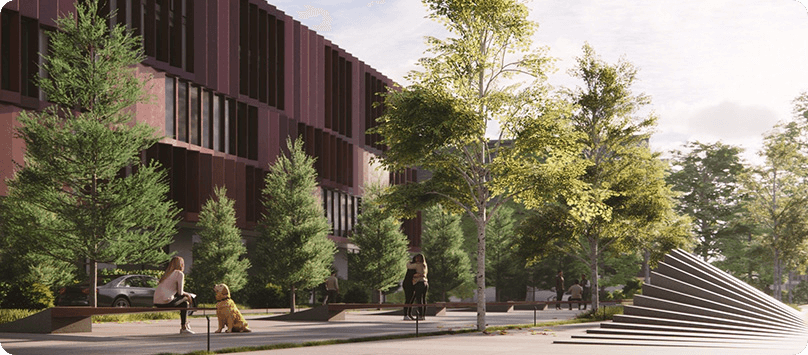
Animated Vegetation Assets
Enjoy 178 variations of new animated vegetation assets. This collection includes trees, bushes, and flowers specific to North and Southern Europe, North America, Australia, and Oceania regions.
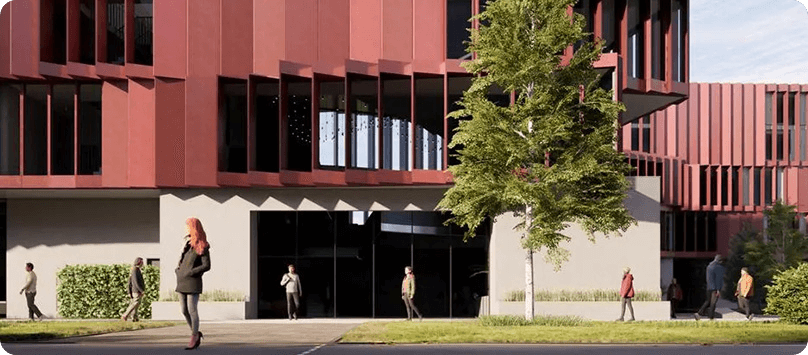
Unique People Assets
32 new unique people assets have been added to the Enscape Asset Library. Choose from a collection of people in various poses, wearing different outfits and accessories.
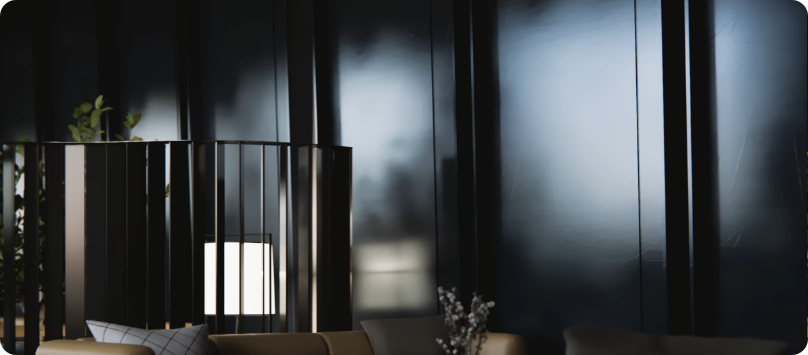
NVIDIA Denoiser for capture exports
Reduce noise for capture exports with the NVIDIA Denoiser. Enabled for image, mono panorama, and video renderings when activated in the settings.
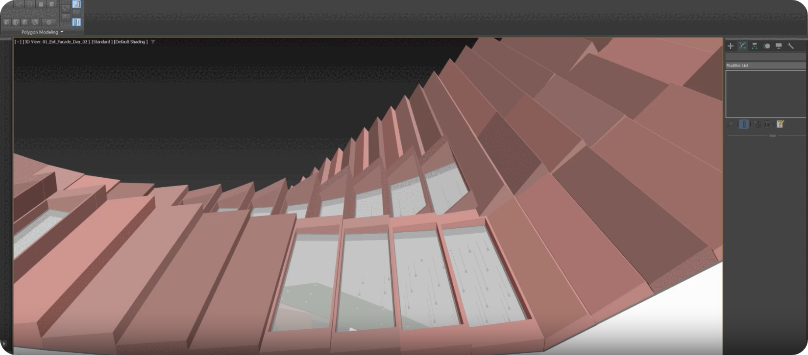
New VR Headset Support
Enjoy official support for new virtual reality (VR) head-mounted displays (HMD): Meta Quest 3 and HTC Vive Pro 2.
Additional features
Enscape 4.0 also includes a UI reskin, support for Rhino 8.3, and a Revit Worksharing optimization.
Key benefits of using Chaos Enscape
Real-Time Rendering
Enscape allows users to create high-quality visualizations instantly. As you design, you can see the changes reflected in real time, making it easier to spot issues and make adjustments on the fly. The real-time technology can visualize your project as a fully rendered 3D walkthrough that can be navigated and explored from every angle. You can follow every update to your plan instantly thanks to the bi-directional geometry exchange between your CAD or BIM program and the renderer.
Virtual Reality
Enscape supports VR headsets, enabling users to immerse themselves in their designs. This feature is particularly useful for client presentations, allowing them to experience the space as if they were actually there.
Ease of Use
Enscape is designed to be user-friendly, with a straightforward interface that doesn’t require extensive training. This allows users to focus on their design work rather than spending time learning new software.
Collaborative Features
The plugin supports collaboration by enabling users to create and share panoramas, videos, and web standalones, making it easy to communicate design ideas to clients and stakeholders.
Lighting and Material Adjustments
Enscape provides advanced lighting and material settings, allowing users to create realistic and visually appealing scenes. Users can adjust the time of day, artificial lighting, and material properties to enhance the visual impact of their designs.
Asset Library
Enscape includes a library of assets like furniture, vegetation, and people, which can be easily added to designs to create more detailed and lifelike environments.

FAQ
What is Enscape?
Enscape is a real-time rendering and virtual reality plugin for architects, designers, and engineers. It integrates directly into design software like Revit, SketchUp, Rhino, ArchiCAD, and Vectorworks, letting you see photorealistic, fully rendered 3D visualizations as you design.
Which software does Enscape work with?
Enscape integrates with Revit, SketchUp, Rhino, ArchiCAD, and Vectorworks, syncing changes between your CAD or BIM program and the renderer in real time.
Does Enscape work with SketchUp?
Yes. Enscape integrates directly with SketchUp, along with Revit, Rhino, ArchiCAD, and Vectorworks, so you can create real-time renderings without leaving your modeling software.
Does Enscape support virtual reality (VR)?
Yes. Enscape supports VR headsets, including Meta Quest 3 and HTC Vive Pro 2, letting clients experience a fully immersive walkthrough of a design as if they were physically there.
What is the difference between Enscape and Veras?
Enscape is a real-time rendering and walkthrough engine that renders your model as-built. Veras is a generative-AI tool for quickly exploring design directions, materials, and moods earlier in the process. Many teams use both, and SolidCAD can help you combine them as a Chaos Gold Partner.
What are Enscape's system requirements?
Enscape requires a dedicated graphics card with real-time ray tracing support, along with a compatible version of Revit, SketchUp, Rhino, ArchiCAD, or Vectorworks. Contact SolidCAD to confirm the right setup for your team.
Is Enscape available for macOS?
Yes. As of Enscape 4.0, macOS users get the same complete design and visualization workflow as Windows users, on a unified, multi-platform solution.
How much does Enscape cost in Canada?
Enscape is available in Premium Annual and Premium Floating Annual plans, priced in CAD. Contact SolidCAD, a Chaos Gold Partner, for current Canadian pricing and a plan recommendation for your team.
Can I try Enscape before buying?
Yes. Enscape offers a 14-day free trial with the full version license, no payment details required, plus access to customer support, training resources, and the Enscape community.
Does SolidCAD provide Enscape training and support?
Yes. As a Chaos Gold Partner, SolidCAD provides licensing, onboarding, training, and ongoing support for Enscape and the full Chaos product line across Canada.
Why SolidCAD Partnered with Chaos Enscape
SolidCAD partnered with Chaos Enscape to bring cutting-edge real-time rendering and virtual reality capabilities to our clients. This partnership empowers architects, designers, and engineers to visualize their projects with unprecedented clarity and immersion. Our technical consultants are equipped with the expertise to help you seamlessly integrate Enscape into your workflow, ensuring you get the most out of the software. From initial setup to advanced training, we’ll guide you every step of the way, enabling you to design like never before and create stunning, immersive presentations that bring your vision to life.
Contact us to take advantage of Industry-leading real-time visualization tools!