


Education & Support
BIM & CAD Training Courses for AEC Professionals
We empower design and engineering professionals with certified Revit, Civil 3D, AutoCAD, and BIM training. Now available online, in-person, and customized to your team's needs.
Overview
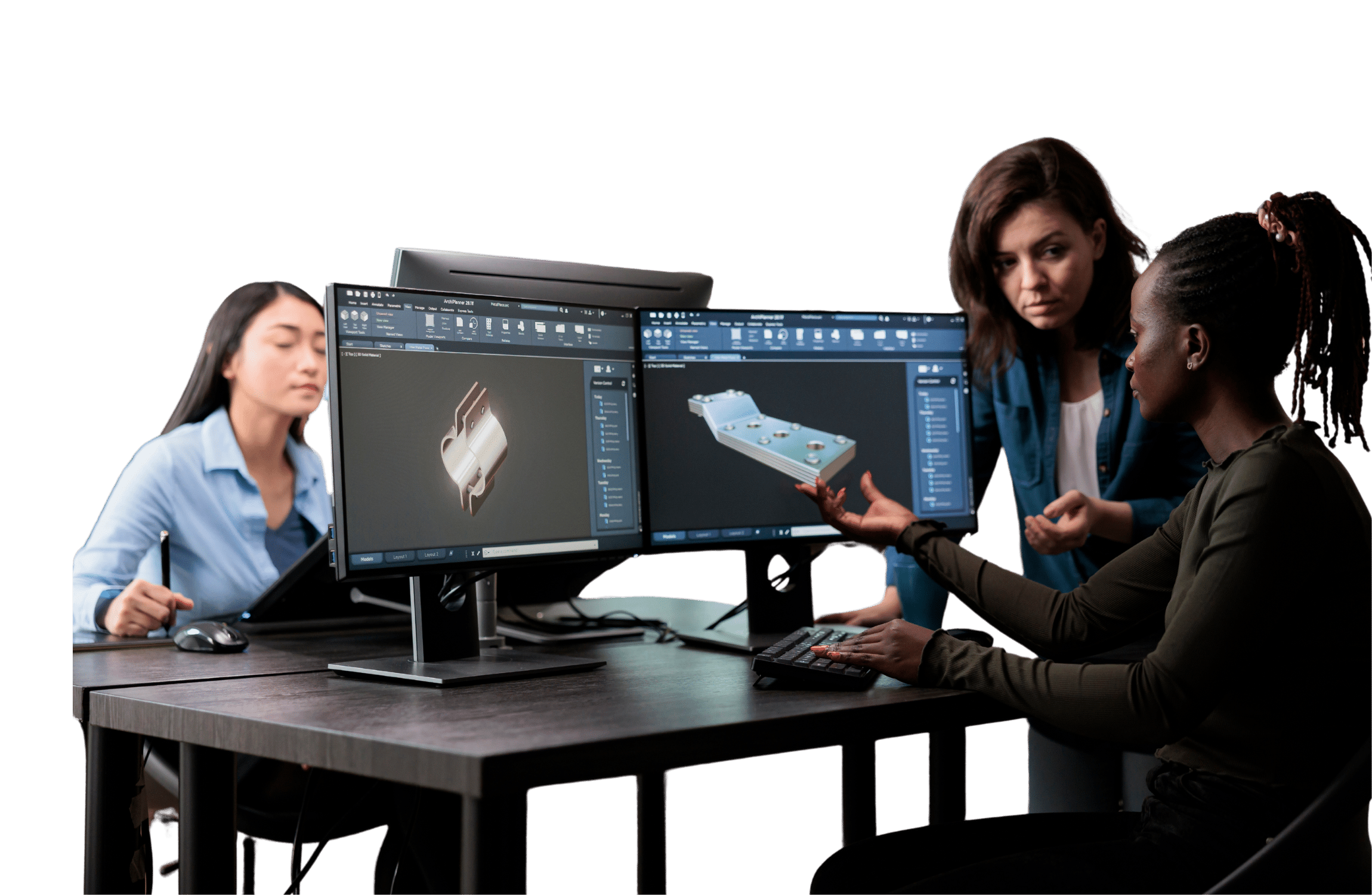
At SolidCAD, we are committed to empowering design professionals with the skills needed to drive innovation within their organizations. Our training programs, certified by industry leaders like Autodesk, Bluebeam, and CanBIM (Buildings Transformation), are designed to elevate your proficiency and productivity. We provide practical tips and tricks tailored to the latest software versions, ensuring you stay ahead of the curve. Our courses are enriched with best practices that streamline your workflow and boost efficiency. To bridge the gap between theory and practice, we incorporate sample projects and exercises that replicate real-world challenges. This hands-on approach not only enhances learning but also prepares you to execute projects with confidence and precision.
Training Options
As an Authorized Autodesk and Bluebeam Training Centre, we provide tailored training options to enhance your firm’s innovation, efficiency, and productivity, ensuring you maximize your technological investments.


Training Documents
Revit Training
- Fundamentals
- Intermediate / Advanced
- Revit Family Creation
- Revit Overview for Principals/Project Managers
- Dynamo
- Revit & Twinmotion
- Revit & Enscape
- Fundamentals
- Intermediate / Advanced
- Revit Family Creation
- Revit Overview for Principals/Project Managers
- Dynamo
- Fundamentals
- Intermediate / Advanced
- Revit Family Creation
- Revit Overview for Principals/Project Managers
- Dynamo
- Fundamentals
- Intermediate / Advanced
- Revit Family Creation
- Revit Overview for Principals/Project Managers
- Dynamo
- Revit & Twinmotion
- Revit & Enscape
- Fundamentals
- Intermediate / Advanced
- Revit Family Creation
- Revit Overview for Principals/Project Managers
- Dynamo
- Revit & Twinmotion
- Revit & Enscape
-
- Fundamentals
- Intermediate / Advanced
- Revit Family Creation
- Revit Overview for Principals/Project Managers
- Dynamo
- Revit & Twinmotion
- Revit & Enscape
* Courses are BuildingTransformations Certified
Autodesk Forma Training (formerly Autodesk Construction Cloud)
Forma Design Training
Inventor Training
- Inventor for CAD Administrators
- Inventor for Curtain Wall
- Inventor for 3D Users
- Inventor Productivity
- Inventor Update
- Inventor Sheet Metal
- Inventor for Cable and Wire Harness
- Inventor Design Automation
- Inventor Presentations & Rendering
- Inventor Simulation & Analysis
- Inventor Tube & Pipe
- Inventor LT
- Inventor CAM
Civil 3D, InfraWorks & Water Infrastructure Training
- Civil 3D Fundamentals
- Civil 3D Update
- Civil 3D for Surveyors
- Civil 3D for Transportation Design Professionals
- Civil 3D for Grading
- Civil 3D Subassembly Composer
- Civil 3D Storm & Sanitary Analysis
- Civil 3D Plan Production
- Civil 3D for Advanced Pressure Networks
- Civil 3D for Geotechnical Modeler
- Civil 3D for Rail Design
- Civil 3D Grading Optimization
AutoCAD Training
AutoCAD Plant 3D & P&ID Training
Navisworks Training
buildingSMART Certification Training
Gain industry-recognized credentials with buildingSMART Certification Training at SolidCAD. Our expert-led courses help professionals enhance their Building Information Modeling (BIM) knowledge, preparing them for buildingSMART Professional Certification—a globally recognized standard for openBIM proficiency.
Why Choose SolidCAD for buildingSMART Training?
- Comprehensive Curriculum – Covering openBIM concepts, IFC standards, and best practices for collaborative workflows.
- Expert-Led Instruction – Learn from certified professionals with real-world BIM experience.
- Exam Preparation – Get the knowledge and confidence needed to pass the buildingSMART certification exam.
Take the next step in your BIM career. Learn more about our training programs: buildingSMART Certification with SolidCAD.
Additional Training
Custom Training
Over time, custom training has become much more popular than traditional standard classroom training. It is not surprising considering how clients are continually finding new innovations to set themselves apart from their competitors. With custom training, we tailor the agenda to emphasize areas of greatest relevance for the type of work being performed and the deliverables being produced. We make every attempt to incorporate our client’s drawings and models as part of the subject matter to illustrate how the software will be used in their specific application. This type of custom-tailored learning experience accelerates productivity and ensures highest retention of new methods.
FAQ
Is SolidCAD an Autodesk authorized training centre?
Yes. SolidCAD is an Autodesk Authorized Training Centre (ATC), as well as an authorized Bluebeam Training Centre. This means courses meet Autodesk’s official curriculum standards, are delivered by certified instructors, and include official courseware. Completing courses at an ATC can count toward Autodesk certification credentials.
Can my team get custom or private CAD training tailored to our projects?
Yes. Custom training is SolidCAD’s most popular training option. The curriculum is tailored to your team’s software versions, skill levels, time constraints, and budget. Sessions use your firm’s own drawings and models as course material, which accelerates adoption and retention. Training can be delivered on-site at your office, online with a live instructor, or at a SolidCAD authorized training centre across Canada.
What Revit training courses does SolidCAD offer?
SolidCAD offers a full range of Revit training courses for Architecture, Structure, MEP, Interior Design, Landscape Architecture, and Residential disciplines. Each discipline includes Fundamentals, Intermediate/Advanced, Revit Family Creation, and a Revit Overview for Principals & Project Managers. Specialist modules cover Dynamo for Revit, Revit & Twinmotion visualization, and Revit & Enscape. All Revit courses are BuildingTransformations (CanBIM) certified.
What Civil 3D training courses are available?
SolidCAD offers more than a dozen Civil 3D courses, including Civil 3D Fundamentals, Civil 3D for Surveyors, Civil 3D for Transportation Design Professionals, Civil 3D for Grading, Storm & Sanitary Analysis, Plan Production, Advanced Pressure Networks, Rail Design, Geotechnical Modeler, and Grading Optimization. Additional courses cover Dynamo for Civil 3D, InfraWorks Fundamentals, and water infrastructure tools such as Autodesk InfoDrainage and InfoWorks ICM.
Does SolidCAD offer BIM training beyond Revit — such as for Navisworks, Autodesk Forma, or ACC?
Yes. SolidCAD’s BIM training portfolio goes well beyond Revit. It includes Autodesk Construction Cloud (ACC) and BIM Collaborate Pro for project coordination and construction management, Navisworks for clash detection, construction, plant design, and factory design, as well as buildingSMART openBIM certification. Autodesk Forma fundamentals are also available for teams working in early-stage design and urban planning. Together, these courses cover the full BIM project lifecycle — from concept through construction.
What is the difference between open enrollment and custom training?
Open enrollment courses have pre-set dates, are open to all registrants, and take place at SolidCAD training centres or online. They follow a standard certified syllabus and include course manuals. Custom training is scheduled to suit your team, uses your firm’s project data, and covers only the topics most relevant to your workflows, making it faster and more cost-effective for teams of four or more participants.
Does SolidCAD offer online training courses?
Yes. All SolidCAD training courses are available online with a live instructor, not pre-recorded videos. Online sessions follow the same certified curriculum as in-person classes, include courseware manuals, and are scheduled in the training calendar. Custom online training can also be arranged for teams at any time.
Do I need prior experience to attend a SolidCAD training course?
Prerequisites depend on the course level. Fundamentals courses are designed for beginners with no prior experience in the software. Intermediate and Advanced courses require completion of the Fundamentals course or equivalent hands-on experience. SolidCAD instructors assess participant skill levels and can recommend the most appropriate course for your team.
How long are SolidCAD training courses?
Course length varies by subject and level. Fundamentals courses typically run one to two days, while Intermediate and Advanced courses may span two to three days. Specialized modules such as Dynamo or Civil 3D Storm & Sanitary Analysis are often single-day sessions. Custom training duration is fully flexible and can be condensed or extended to fit your team’s schedule.