


Software & Technology
Chaos Helix
Convert SketchUp and AutoCAD Models to Native Revit
Helix for Revit is the Chaos SketchUp to Revit plugin that solves model interoperability between SketchUp, AutoCAD and Revit. Convert early design models into native Revit walls, floors, roofs, doors, windows and families, and send Revit models back to SketchUp, without rebuilding them from scratch.


What Is Helix?
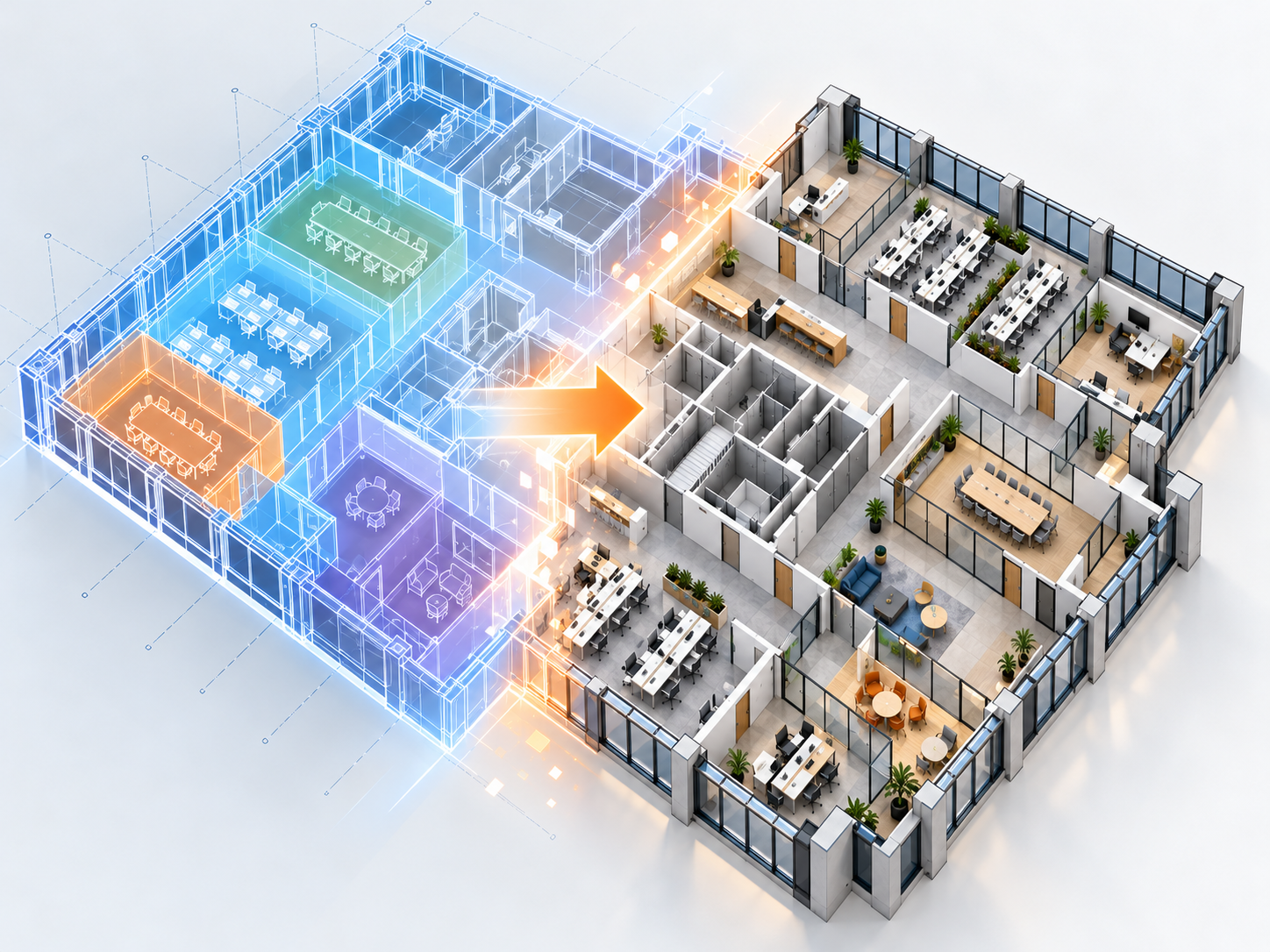
Helix is a BIM interoperability tool by Chaos that converts models between SketchUp, AutoCAD and Revit. Instead of importing a SketchUp or DWG file as a single block, Helix maps geometry to native Revit categories and families that your team can edit, schedule and document.
Helix was developed by EvolveLAB, which Chaos acquired in 2025, and is part of the Chaos AI tools for Revit alongside Veras and Glyph.
Helix Key Features
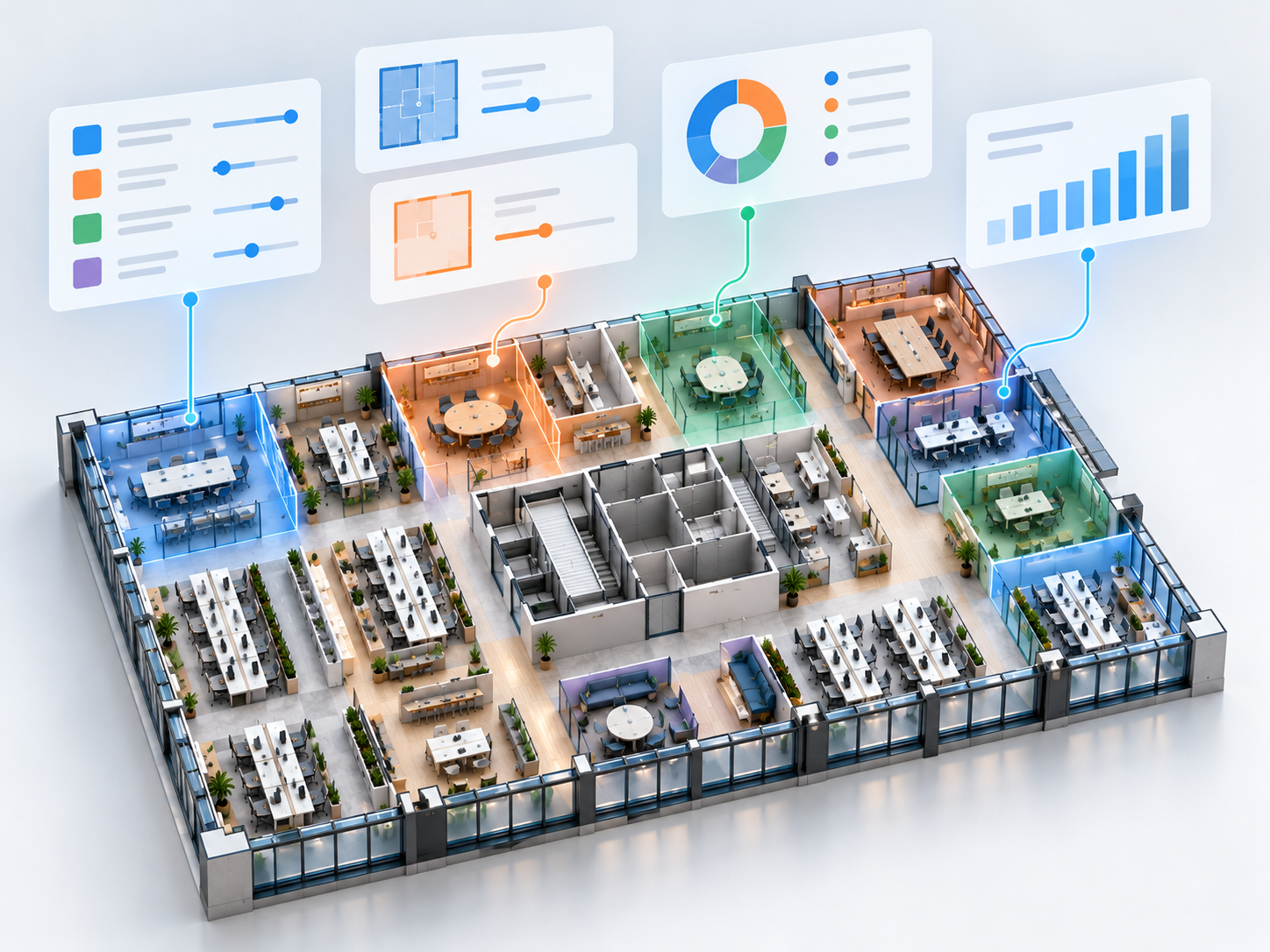
SketchUp to Revit
Convert SketchUp models to native Revit walls, curtain walls, floors, roofs, ceilings, doors, windows, pipes and topography, with other objects as mesh-based families.
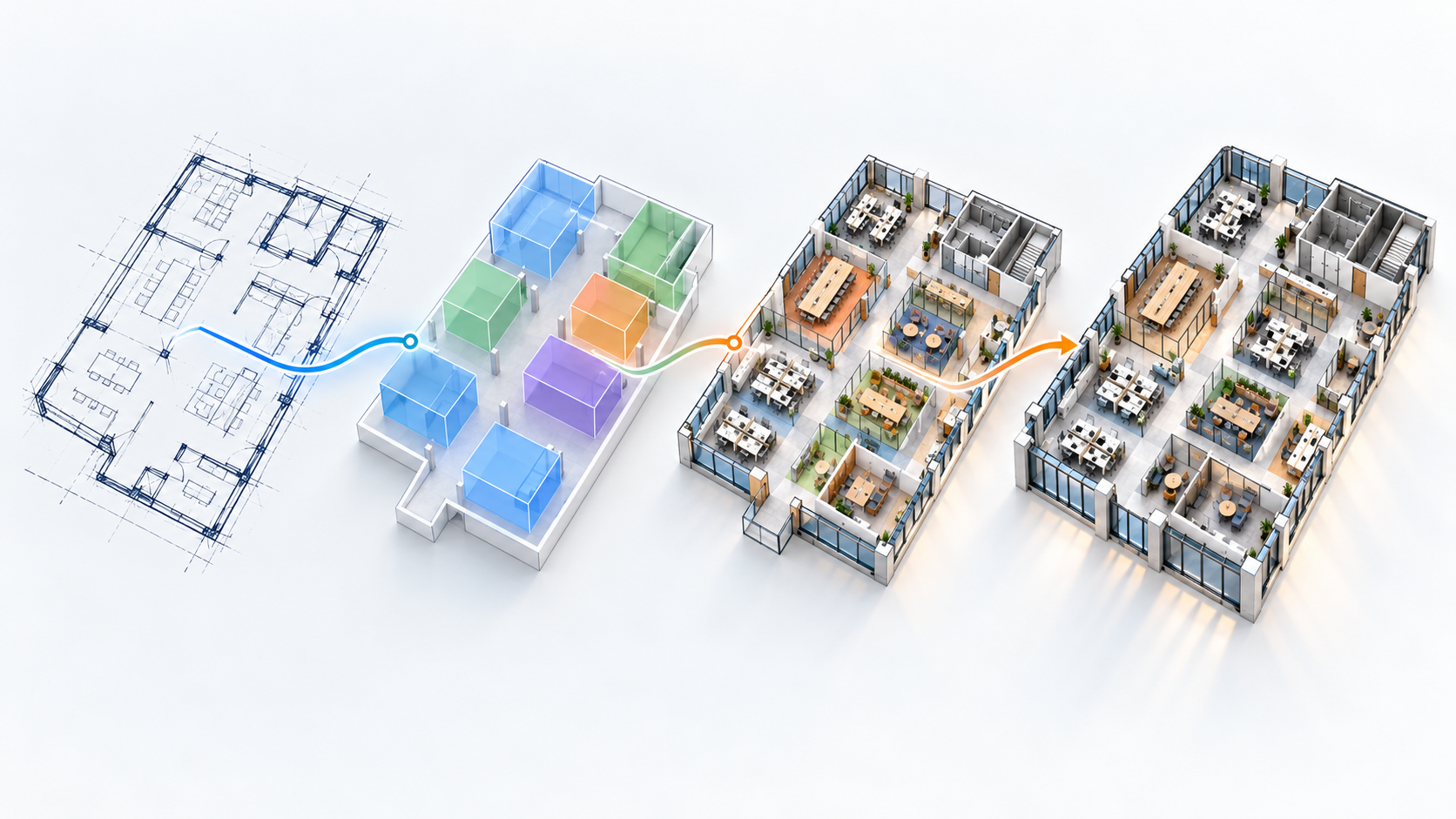
AutoCAD to Revit
Convert AutoCAD geometry to Revit walls, doors, windows, railings, room separation lines and pipes, including centerline extraction for walls and MEP.

Revit to SketchUp
Convert Revit models back to SketchUp for design exploration and presentation.
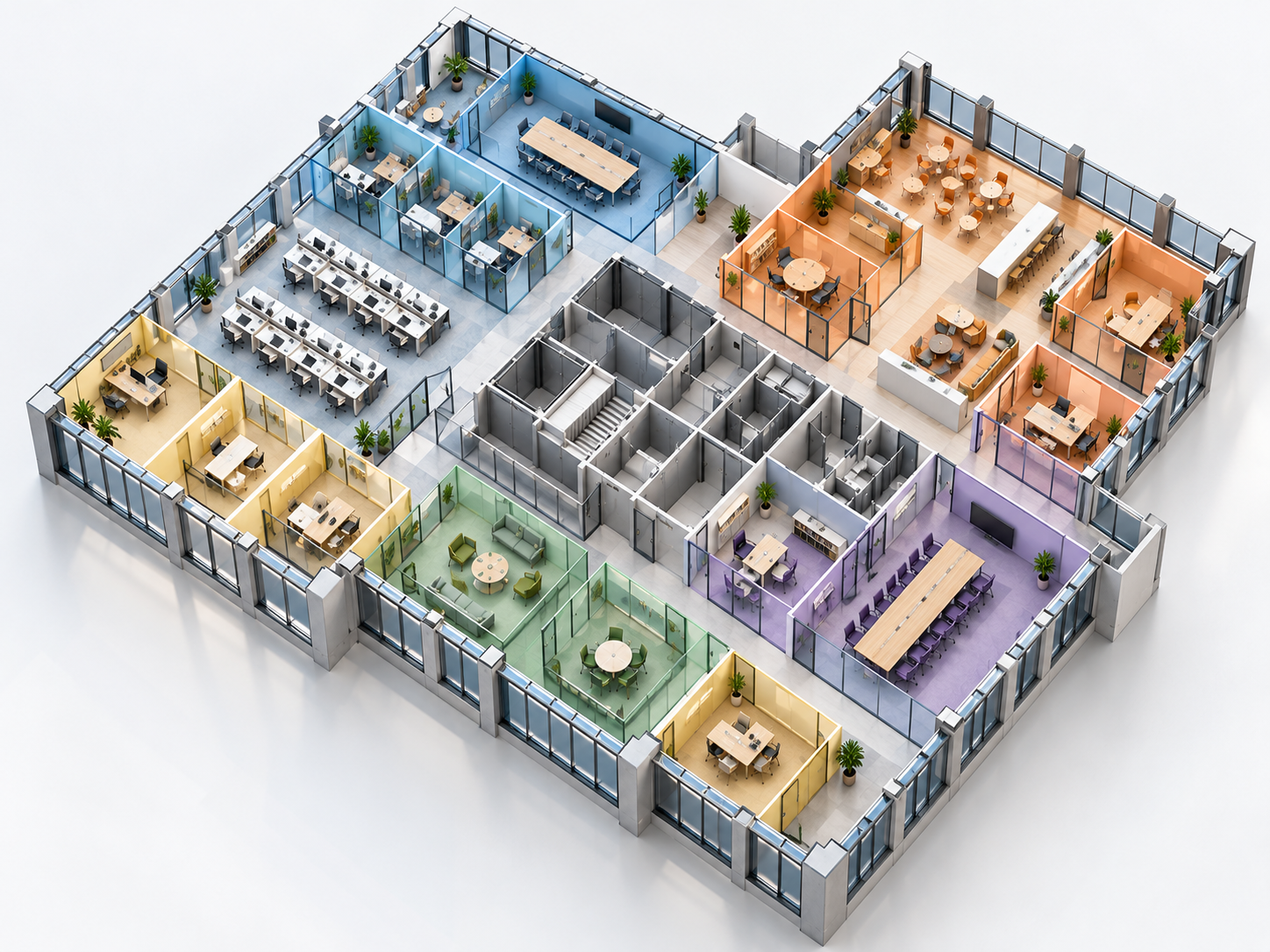
Tag or material-based mapping
Map SketchUp tags or materials to the right Revit categories and families.
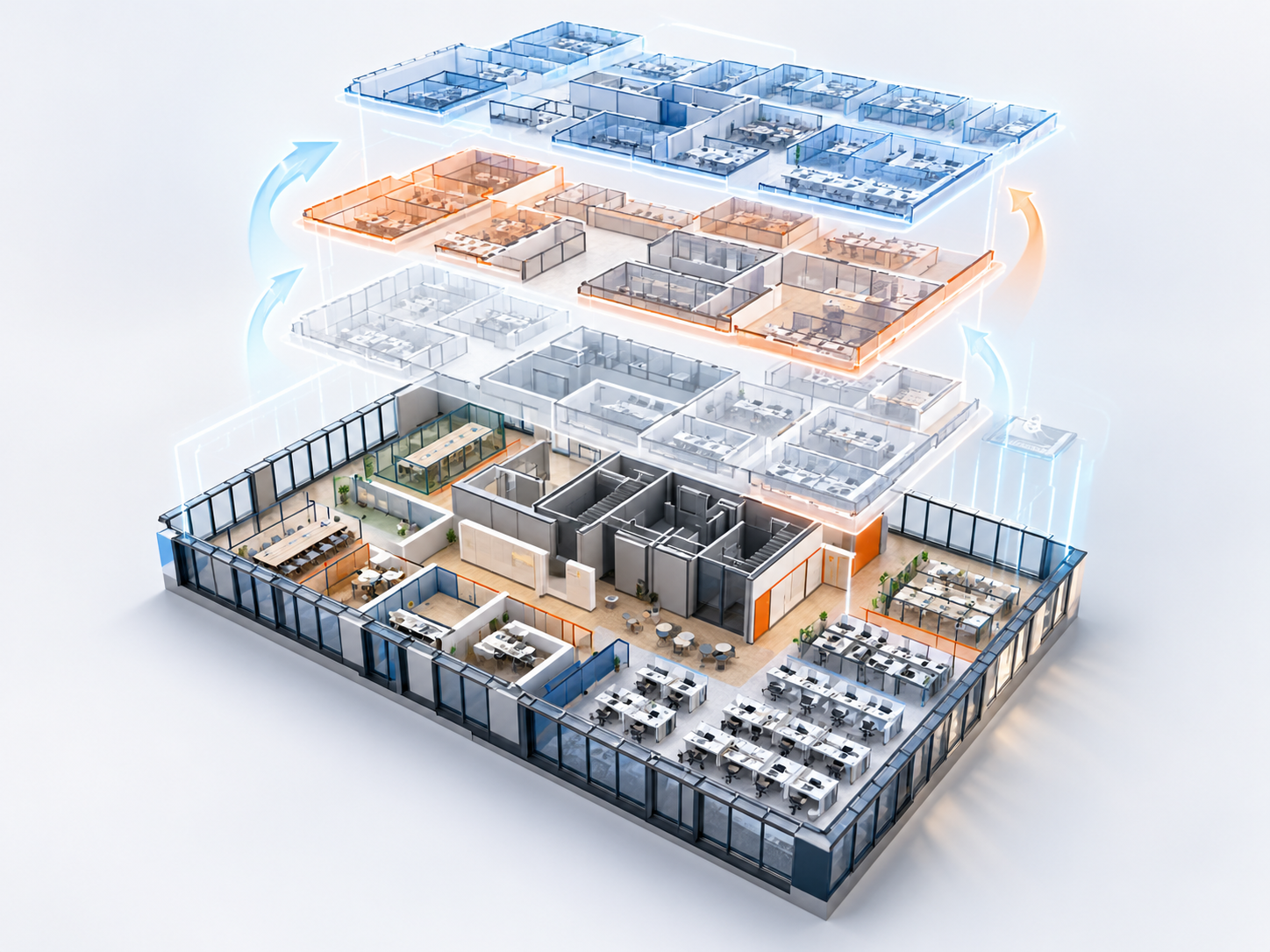
Change tracking
Re-sync the model and update Revit only where geometry has changed.
Materials and textures
Keep materials and textures during conversion, and use smart mesh-based family instancing.
How Helix Fits Your Design Workflow
Concept to BIM: no more rebuilds
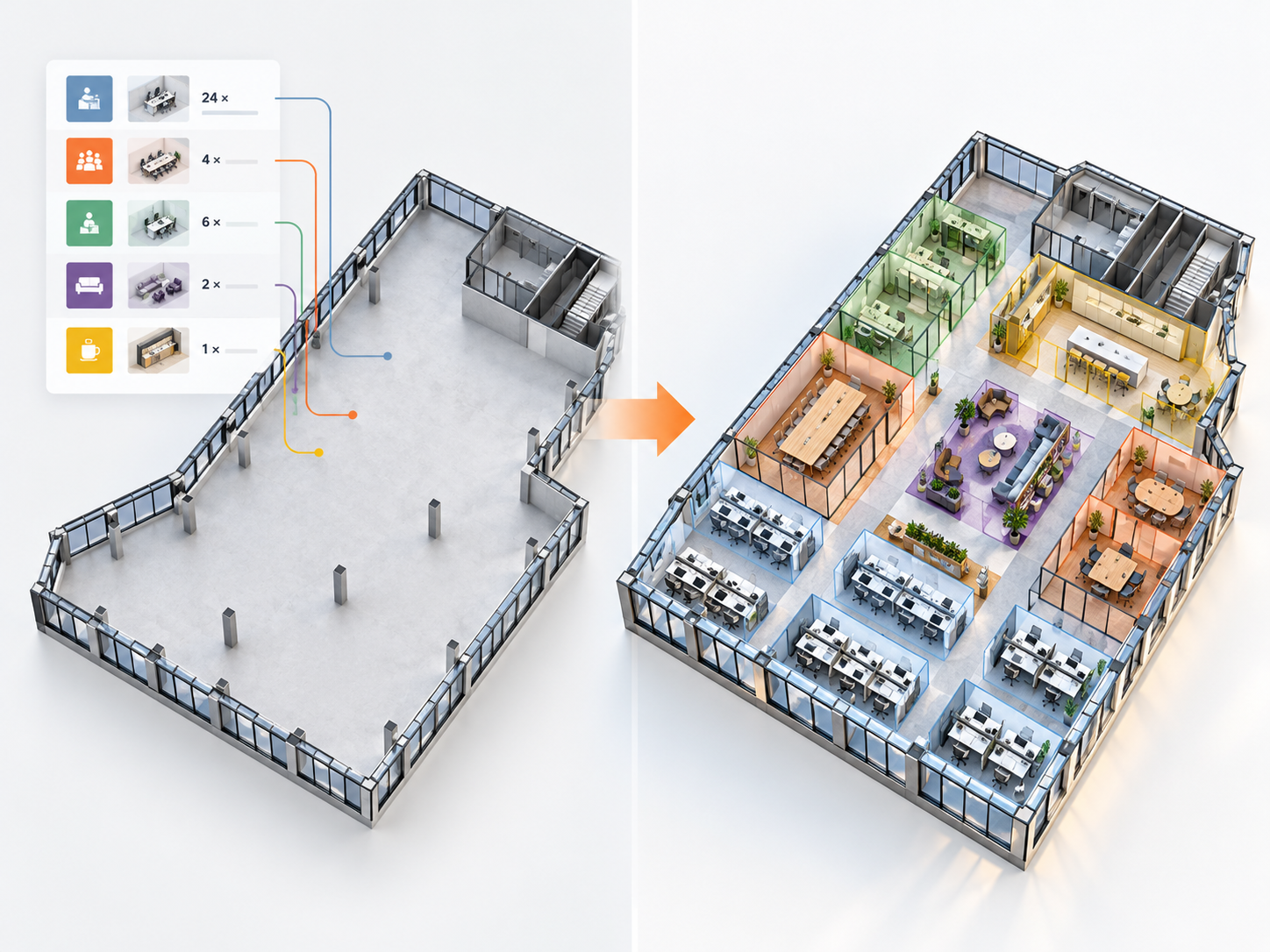
Design freely in SketchUp, then move to Revit with native elements instead of remodeling the design.
CAD to BIM: reuse existing drawings
Turn AutoCAD plans into Revit walls, doors and windows as a starting point for BIM.
Iterative design: stay in sync
Update the SketchUp model and re-sync only what changed in Revit.
Presentation: back to SketchUp
Export Revit models to SketchUp for quick studies and client presentations.

Helix vs Importing SketchUp into Revit
Revit can import or link a SketchUp file, but the result is typically a single imported object or mass that is hard to edit, schedule or document. Helix converts the model into native Revit elements such as walls, floors and doors, and families for other objects, so the converted model behaves like any other Revit model.
| Native import / link | Chaos Helix | |
|---|---|---|
| Result in Revit | Imported geometry or mass | Native walls, floors, roofs, doors, windows and families |
| Editable in Revit | Limited | Yes, like any Revit element |
| Schedules and documentation | Limited | Yes |
| Updates when the source changes | Reload the whole file | Change tracking updates only what changed |
| Revit back to SketchUp | No | Yes |
Who Is Helix For?
- Architecture firms that design in SketchUp and document in Revit
- Teams converting legacy AutoCAD drawings into Revit models
- Interior design and small firms moving from SketchUp to BIM
- BIM managers who need cleaner model handoffs between tools
Helix Pricing

Need 25+ seats or a bundle with Veras? Contact our team for volume pricing.
Why Buy Helix from SolidCAD
- Local expertise, Canadian pricing: buy Helix in CAD from a Canadian team that knows Revit and AEC workflows.
- Workflow integration, not just software: we help you fit Helix into your Revit templates, standards and project workflows.
- Onboarding and training that sticks: practical training so your team uses Helix on real projects from day one.
- Support that’s here after the sale: Canada-based help with licensing, installation and day-to-day questions.
- One partner for your whole Chaos and Autodesk stack: Revit, Veras, Enscape and V-Ray licensing and support in one place.
Moving a whole firm from SketchUp or AutoCAD to Revit? Our BIM Implementation team can plan the transition, and our Data Translation & Transformation services handle larger model and data migrations.

Helix FAQ
What is Chaos Helix?
Helix is a BIM interoperability tool by Chaos that converts models between SketchUp, AutoCAD and Revit. It maps geometry to native Revit categories and families instead of importing it as a single object.
How do I import a SketchUp model into Revit?
You can import or link a SketchUp file in Revit, but it usually comes in as a single imported object that is hard to edit or document. To get editable walls, floors, doors and families, use a SketchUp to Revit plugin like Helix to convert the model into native Revit elements.
How do I convert a SketchUp model to Revit?
With Helix, you map SketchUp tags or materials to Revit categories and run the conversion. Helix creates native Revit walls, curtain walls, floors, roofs, ceilings, doors, windows, pipes and topography, and converts other objects into mesh-based families.
Can Helix convert AutoCAD drawings to Revit?
Yes. Helix converts AutoCAD geometry into Revit walls, doors, windows, railings, room separation lines and pipes, and can extract centerlines for walls and MEP.
Can Helix convert Revit models back to SketchUp?
Yes. Helix supports Revit to SketchUp conversion, so teams can move models back to SketchUp for design studies and presentations.
What happens when the SketchUp model changes?
Helix tracks changes and updates the Revit model only where geometry has changed, so you don’t have to re-import and rebuild the whole model.
Does Helix keep materials and textures?
Yes. Helix preserves and converts materials and textures during conversion.
How much does Helix cost in Canada?
Helix is available with named and floating annual licenses. SolidCAD offers Helix in Canadian dollars. Contact our team for current pricing and volume options.
Does SolidCAD provide Helix training and support?
Yes. As a Chaos partner, SolidCAD provides Helix licensing, onboarding, training and ongoing support for teams across Canada.