


Software & Technology
Chaos Morphis
Generative Design and Space Planning in Revit, in Real Time
Morphis by Chaos brings generative design into Revit as real-time space planning software. Select a room or area, set your rules, and Morphis generates space plans and layouts in real time, so your team can explore more options early and bake the best one to native Revit elements.

What Is Morphis?
Morphis is a co-authoring, data-driven generative design app for Revit. It uses Revit rooms, areas and families to generate responsive design solutions in real time, while the designer stays in control and steers the result with simple controls.
Morphis was developed by EvolveLAB, which Chaos acquired in 2025, and is part of the Chaos AI tools for architects and designers.
Morphis Key Features
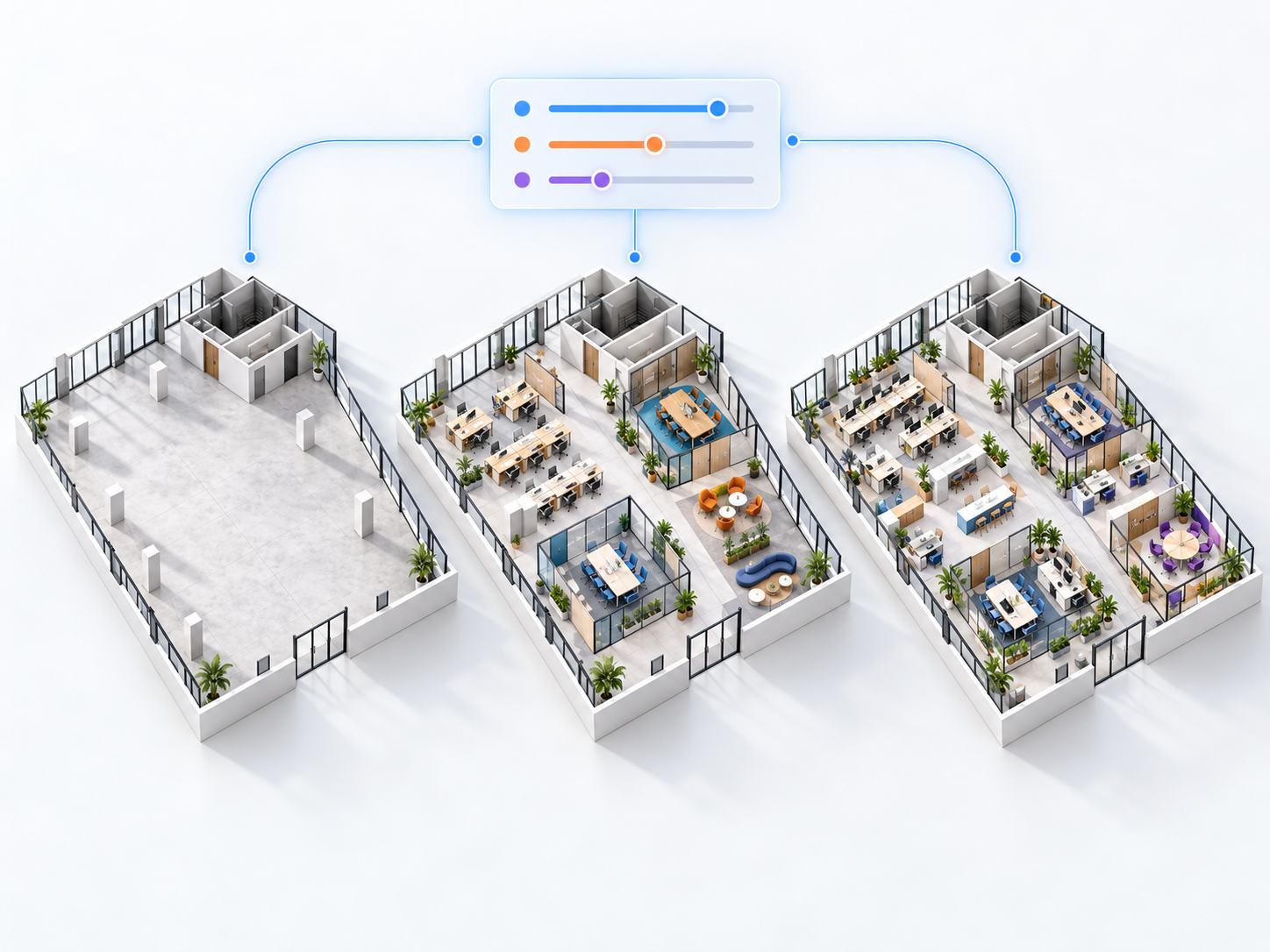
Real-time space planning
Generate office layouts with customizable office types and conference rooms, and see results update as you change inputs.

Works with Revit rooms and families
Select a Revit room, area or region and generate layouts using your own families.
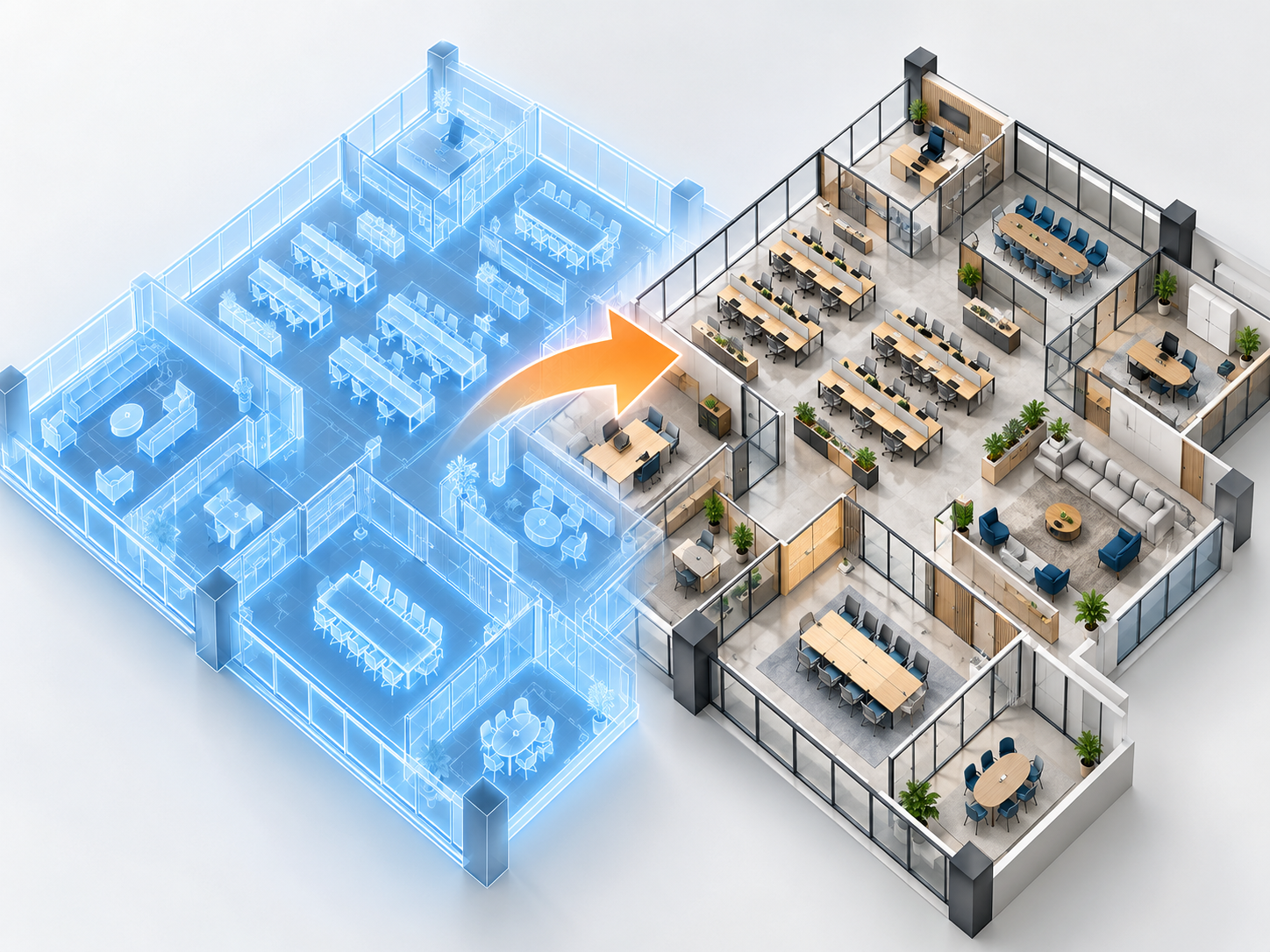
Native Revit output
Bake the chosen option to native Revit elements that your team can keep modeling and documenting.
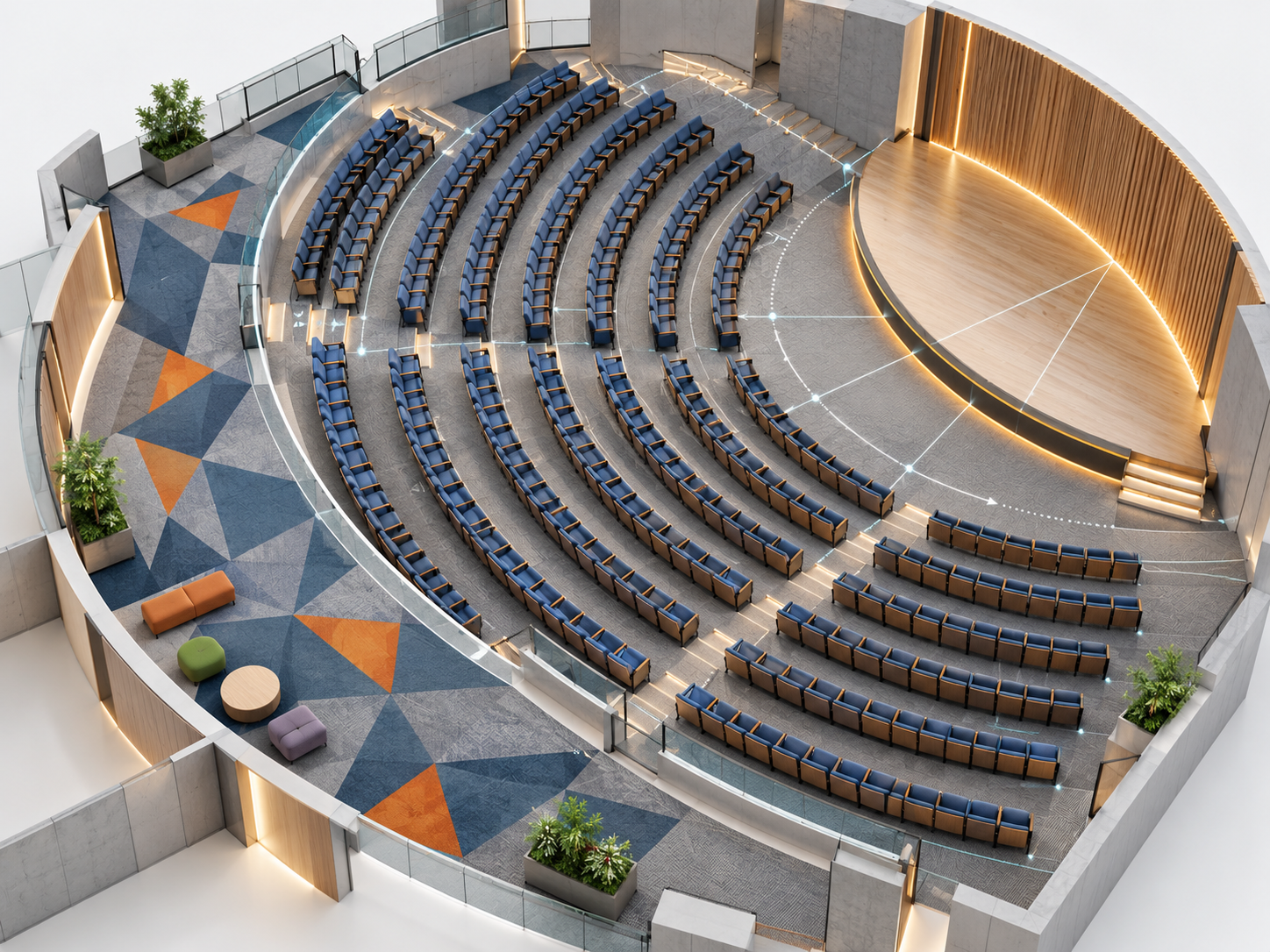
Patterns and arrays
Generate carpet patterns and seating layouts, such as auditorium seating, with arrays and rotations.
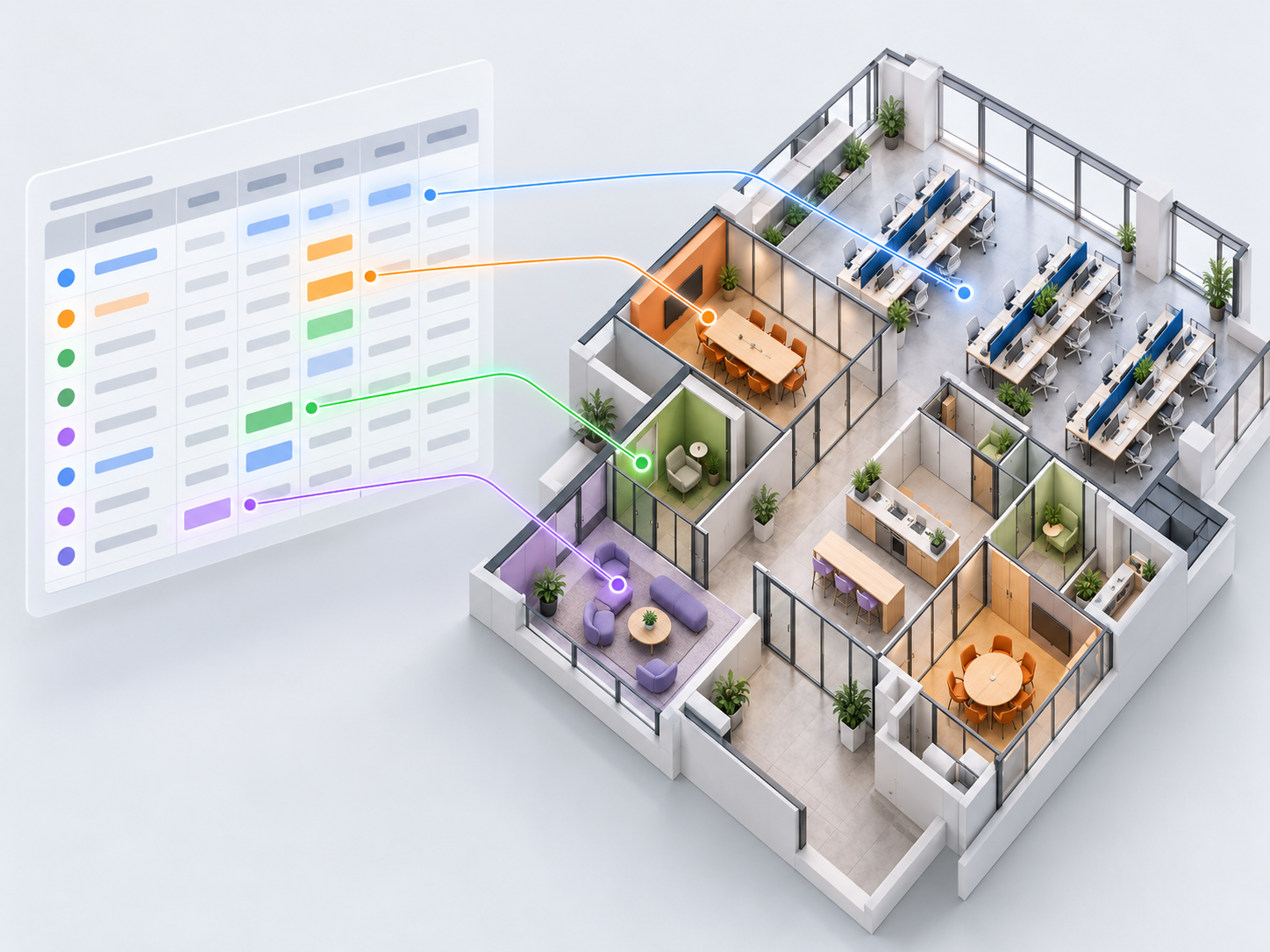
Data-driven inputs
Use layout parameters, including data from Excel, to drive design iterations.
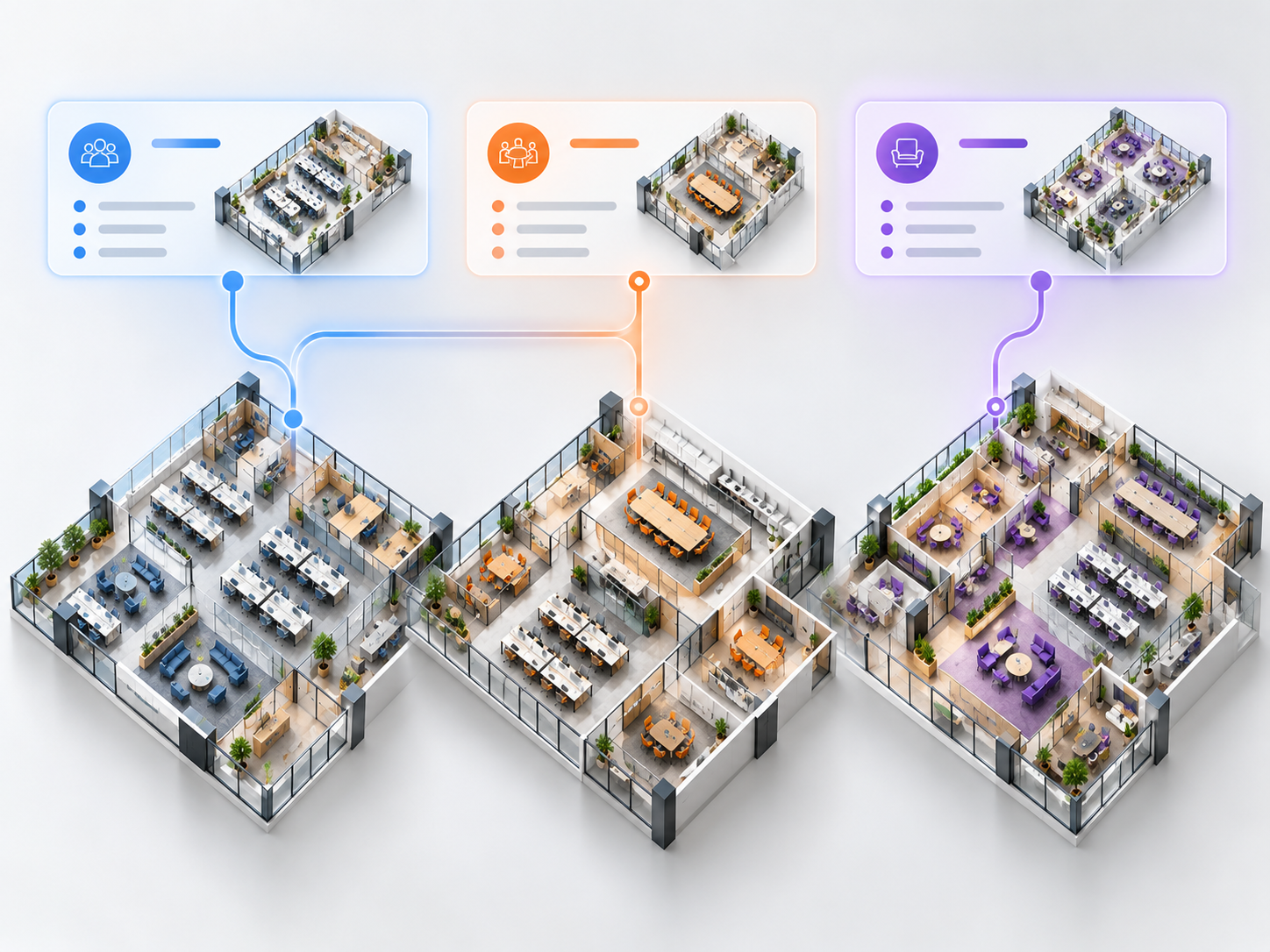
Company presets
Save templates as company presets so teams can reuse proven layout rules.
How Morphis Helps from Concept to BIM
Test fits: faster feasibility
Use Morphis like test fit software inside Revit and explore multiple layout options for a space in minutes instead of days.
Space planning: data-driven decisions
Adjust program inputs and see the impact on the layout immediately.
Design development: stay in Revit
Keep generated layouts as native Revit elements, ready for design development.
Firm standards: reusable presets
Turn proven layout rules into company presets for consistent results.

How Is Morphis Different from Other Generative Design Tools?
Many generative design workflows run in the background and return a set of options at the end. Morphis is built for co-authoring: it runs in real time inside Revit, shows how results change as you adjust inputs, and lets the designer steer and refine the outcome before baking it to native Revit elements.
| Manual space planning | Chaos Morphis | |
|---|---|---|
| Options explored | A few, time permitting | Many, generated in real time |
| Where it runs | Revit or sketches | Inside Revit |
| Output | Hand-modeled elements | Native Revit elements |
| Reuse of rules | Manual | Company presets |
| Data input | Manual | Controls and Excel data |
Who Is Morphis For?
- Interior architects and workplace designers planning offices
- Architects running early test fits and feasibility studies
- Design technology and BIM teams standardizing layout rules
- Firms that want generative design without scripting

Why Buy Morphis from SolidCAD
- Local expertise, Canadian pricing: buy Morphis in CAD from a Canadian team that knows Revit and AEC workflows.
- Workflow integration, not just software: we help you fit Morphis into your Revit templates, standards and project workflows.
- Onboarding and training that sticks: practical training so your team uses Morphis on real projects from day one.
- Support that’s here after the sale: Canada-based help with licensing, installation and day-to-day questions.
- One partner for your whole Chaos and Autodesk stack: Revit, Veras, Enscape and V-Ray licensing and support in one place.
Want layout rules tailored to your firm? Our Customization & Automation team can extend your Revit workflows, and our BIM Optimization services help standardize families and templates that Morphis uses.

Morphis FAQ
What is Chaos Morphis?
Morphis is a co-authoring, data-driven generative design app for Revit by Chaos. It generates space plans and layouts in real time using Revit rooms, areas and families.
What can Morphis generate?
Morphis generates space planning layouts such as offices and conference rooms, as well as patterns and arrays like carpet patterns and auditorium seating.
Does Morphis create native Revit elements?
Yes. Once you choose an option, Morphis bakes it to native Revit elements that you can keep editing and documenting in Revit.
Can I do space planning in Revit with Morphis?
Yes. Morphis runs inside Revit: select a room, area or region, set your rules and it generates space plans and layouts in real time, then bakes the chosen option to native Revit elements.
Can Morphis use data from Excel?
Yes. Morphis supports data-driven layout parameters, including data imported from Excel, to drive design iterations.
Do I need to know scripting to use Morphis?
No. Morphis uses simple controls such as sliders, toggles and element selection inside Revit, so designers can use generative design without writing scripts.
Can we save our own layout rules?
Yes. Morphis lets you save templates as company presets so teams can reuse proven layout rules on future projects.
How much does Morphis cost in Canada?
Morphis is available with named and floating annual licenses. SolidCAD offers Morphis in Canadian dollars. Contact our team for current pricing and volume options.
Does SolidCAD provide Morphis training and support?
Yes. As a Chaos partner, SolidCAD provides Morphis licensing, onboarding, training and ongoing support for teams across Canada.