


Foundation Packs
Content Catalog Foundation Pack
Give Your Team One Trusted Library for Revit Content in 4 Weeks
The Content Catalog Foundation Pack is a fixed-scope, instructor-led training package that helps your administrators and users adopt Autodesk Content Catalog. In 3 to 4 weeks, your team learns to manage Revit families and design content in one central library, so everyone works with consistent, up-to-date and secure content on every project.

What Is the Content Catalog Foundation Pack?
The Content Catalog Foundation Pack is a structured training service for teams that want to manage their Revit content in Autodesk Content Catalog. Your administrators learn how to manage the catalog, your users learn how to find and use approved content, and a follow-up support session helps the new workflow stick.
Like every SolidCAD Foundation Pack, it has a fixed scope, a clear timeline and a fixed price, so you know exactly what your team will get before you start.
What Is Autodesk Content Catalog?
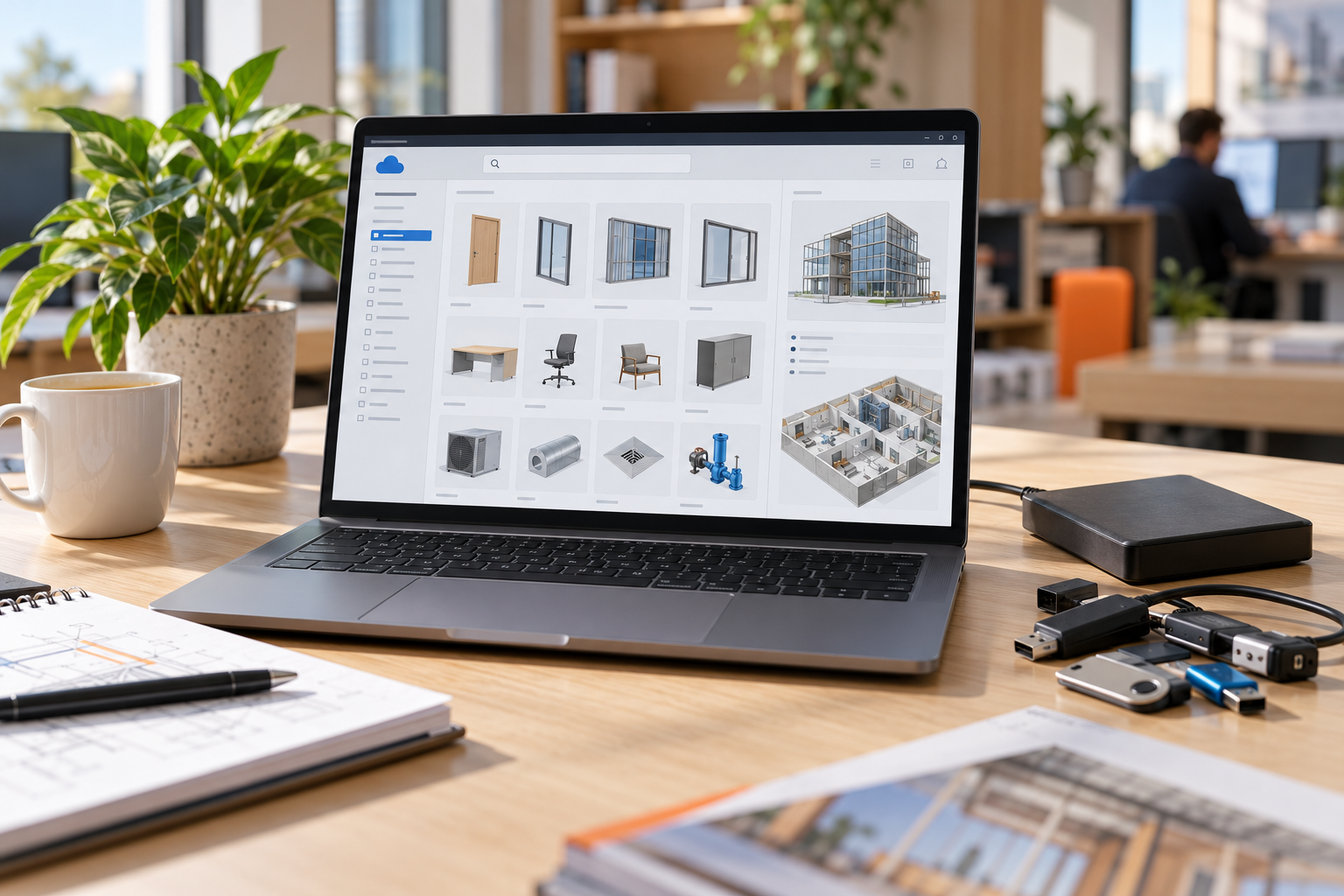
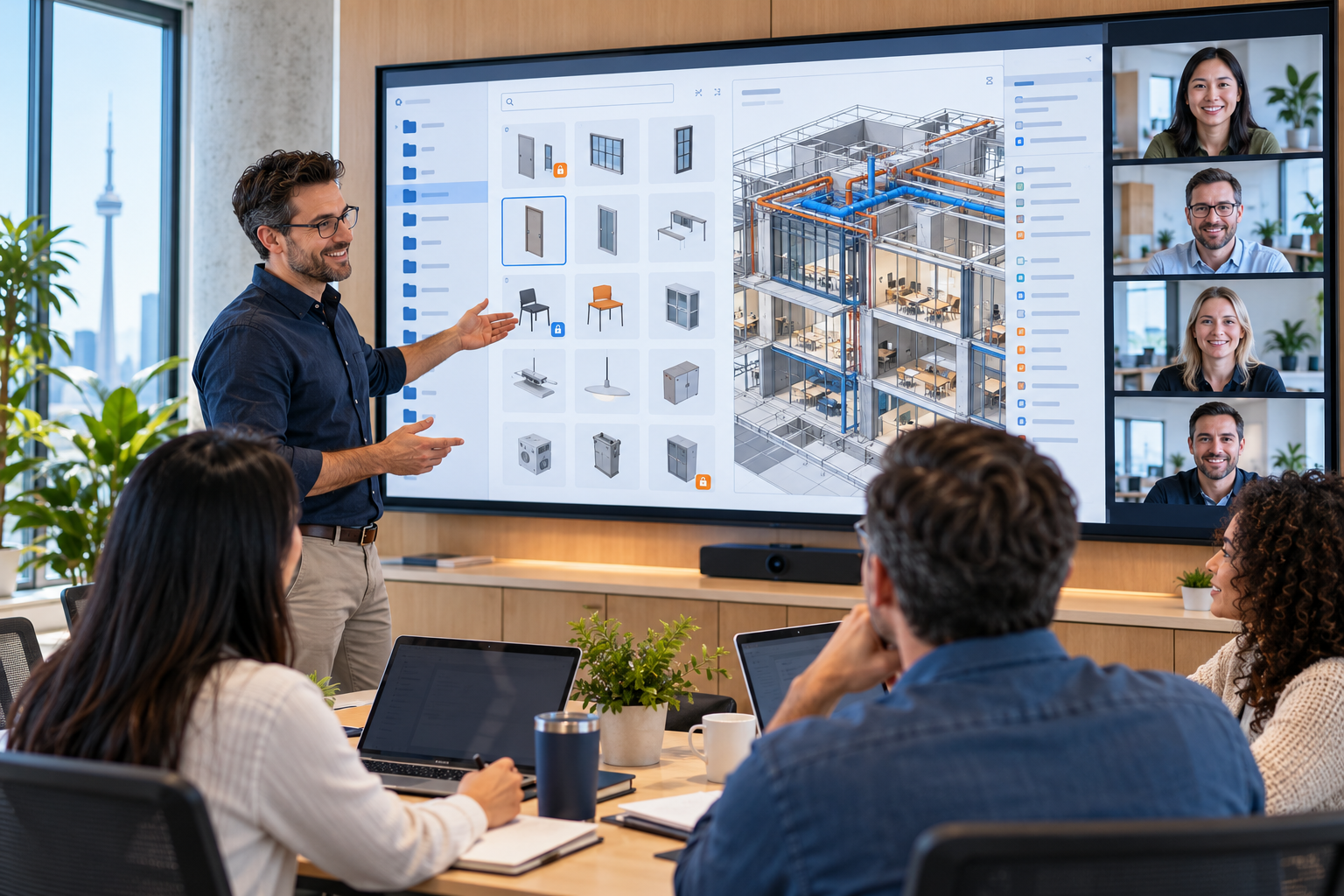
Autodesk Content Catalog is a cloud-based content management capability in Autodesk Forma (formerly Autodesk Construction Cloud). It gives your firm one central library for Revit families and other design content, so teams stop searching shared drives and old project folders.
Why centralize your Revit content library?
- Faster access: teams find approved project materials and Revit families in one place
- Consistency and standards: the same content is used across projects and offices
- Version control: revision tracking makes sure teams always work with up-to-date content
- Security and accountability: permissions and access control decide who can publish and edit
- Better collaboration: shared, reliable content leads to more efficient, coordinated project workflows
What's Included in the Foundation Pack
- Project kick-off meeting (30 minutes): align on your goals, content and participants
- Admin training session (2 hours): how to manage the catalog, organize content and control access
- User training session (2 hours): how your designers find, use and stay current with approved content
- Post-training support session (1 hour): answer questions and reinforce the workflow on your team’s work
- CPD certificate of completion: for every participant who completes the training
Your 4-Week Content Catalog Roadmap
Week 1: Kick-off
Project kick-off meeting to confirm goals, participants and schedule.
Week 2: Admin training
2-hour training session for the administrators who will manage your catalog.
Week 3: User training
2-hour training session for the designers and project teams who use the content.
Week 4: Support
1-hour support session to answer questions and reinforce the new workflow.
Why Choose a Foundation Pack Instead of Learning Content Catalog on Your Own?
Learn with an expert
live, instructor-led sessions where your team can ask questions
Right training for each role
separate sessions for administrators and users
Productive in weeks
a 3 to 4 week timeline that fits around active projects
CPD eligible
a certificate of completion to support professional development
Who Is This Foundation Pack For?
The Foundation Pack is built for AEC teams that want more control over their design content:
- BIM managers and content managers responsible for Revit families and standards
- Firms whose Revit library is spread across servers, local drives and project folders
- Multi-office firms that need the same content in every office
- Architecture and engineering teams already using Autodesk Forma
What's Not Included
To keep scope and price fixed, the Foundation Pack focuses on training and adoption:
- Your organization must already have Autodesk Forma activated
- Forma admin setup is not included
- Configuration of Forma is not included
Need setup or configuration too? Talk to our team and we’ll scope it separately.
Why Work with SolidCAD for Autodesk Content Catalog Training?
SolidCAD, a Symetri company, is an Autodesk Platinum Partner helping AEC teams across Canada manage BIM content and standards. Our certified consultants bring real project experience to every session.
- Autodesk Platinum Partner with certified Autodesk consultants
- Training and BIM Implementation services for teams of all sizes
- Practical guidance on reusing content: read how to reuse Revit content to strengthen your BIM standards
- Canada-based team with remote delivery nationwide

Frequently Asked Questions about the Content Catalog Foundation Pack
What is Autodesk Content Catalog?
Autodesk Content Catalog is a cloud-based content management capability in Autodesk Forma (formerly Autodesk Construction Cloud). It gives firms one central library for Revit families and other design content, with version control and permissions, so teams can find and use approved content across projects.
What is the Content Catalog Foundation Pack?
It is a fixed-scope training package from SolidCAD that helps your administrators and users adopt Autodesk Content Catalog in 3 to 4 weeks. It includes a kick-off meeting, a 2-hour admin training session, a 2-hour user training session and a 1-hour post-training support session, delivered remotely.
How long does the Foundation Pack take?
The Foundation Pack is delivered over 3 to 4 weeks: a kick-off meeting in week 1, admin training in week 2, user training in week 3 and a post-training support session in week 4.
How much does the Content Catalog Foundation Pack cost?
The Foundation Pack is priced at $2,650 CAD, excluding applicable taxes. The price covers the kick-off meeting, both training sessions and the support session.
Is the training eligible for Continuing Professional Development (CPD)?
The instructor-led course is designed to support Continuing Professional Development. Participants receive a certificate of completion and should confirm eligibility and reporting requirements with their professional association.
Do we need Autodesk Forma to take part?
Yes. Your organization must already have Autodesk Forma activated. The Foundation Pack does not include Forma admin setup or configuration of Forma.
Does the Foundation Pack include moving our existing Revit families to Content Catalog?
No. The Foundation Pack focuses on training. Configuration of Forma Content Catalog and migration of your existing content are available as separate services.
How do you manage a Revit family library across projects?
Keep one central, approved library instead of copies on local drives and project folders, use clear naming standards, control who can publish and edit content, and track versions so teams always load the latest family. Autodesk Content Catalog supports this in one cloud-based library.